
AI Tools
In the Age of AI, Why 3D Artists Can’t Give Up Procedural Nodes
The Age of AI-Generated Scenes Is Here — So Why Hasn’t Production Changed?
Text-to-3D tools are now showing up in actual game development, film preproduction, and AR/VR pipelines. That’s sparked a familiar round of “3D artists will be obsolete” takes. Tools like Meshy, Tripo, Luma AI’s Genie, and CSM can pull finished 3D objects from a single prompt or image. By 2026 standards, that’s solid enough for concept pitches. The market has matured enough that we’re already seeing comparison articles between competing platforms.
But I’m not hearing about studios cutting Geometry Nodes or Houdini staff. If anything, large-scale open-world and interactive environment projects are actively hunting for people who can architect procedural systems. This is observation, not data. But that gap itself is where this piece starts.
The pipeline progression—manual placement, rule-based procedurals, AI automation—is well-trodden ground. What we’re actually examining here isn’t the direction of that flow. It’s pinpointing exactly where AI hits a structural wall. This isn’t a critique of AI tools. The goal is to be specific about what AI does well versus what nodes need to handle, and why those are actually different layers.

When One Prompt Generates a Scene — What AI Actually Excels At
Let’s be straight about this: AI generation has real strengths. At the concept stage, you can lock in silhouettes and surface language in seconds to minutes. That’s not just speed. It means you can validate direction the same day instead of spending multiple days on reference hunting and rough blocking. A task that used to live in “several days of work” collapses into a single prompt.
The ability to propose object density and composition that actually makes spatial sense is undeniable. A few frames from an AI tool genuinely narrows the language gap between art directors and production leads when blocking out a scene. Whether AI is faster than humans at this stage? That’s not debatable anymore.
Then Why Does That Output Fall Apart in the Pipeline?
If you’ve ever watched a scene look perfect in the viewport, then crumble the moment it hits engine, you already know why we’re asking this. It’s not about quality gaps. That’s the real issue. The topology of generated 3D assets isn’t messy because the tech is immature. Tripo3D’s own technical blog explains it plainly: generative models are trained to optimize visual appearance, not clean geometric structure. The objective is fundamentally different.
Better performance yields more convincing outputs, but that doesn’t guarantee the data itself is more accurate. Customuse’s production guide flags “trusting a clean diffuse preview” as a failure point. That gap between what looks right and what’s actually usable—that’s the real question this piece tackles.
The gap stems from two distinct layers. There’s the mesh failing to meet data specs, and there’s what happens when that mesh goes into engine—two different problems. Let’s separate them.
The First Wall — The Mesh Itself Is Bad Data
Recurring defect types in AI-generated 3D are already catalogued in production guides. Here’s what each breaks downstream:
| Defect | The Problem | Where It Breaks |
|---|---|---|
| Non-manifold Geometry | Edge and face connectivity out of spec | Lightmap and shadow calculation, engine import |
| Dense Triangulation | Unnecessarily dense triangle density | Subdivision, optimization, runtime performance |
| Poor Edge Flow | Surface flow ignoring deformation | Mesh distortion under rigging and animation |
| Intersecting Faces | Intersecting faces | Baking, collision generation |
| Floating Mesh Islands | Separated mesh fragments from main body | Import errors, collision issues |
| Multi-face Janus Problem | Different features on front and back faces | Model integrity itself |
| UV Seam / Stretching | Irregular UV layouts under texture | Texture seams, surface stretching |
These entries come from Tripo3D production documentation and arXiv paper 2406.09850. The “Where It Breaks” column is my own interpretation linking these to production impact.
The Multi-face Janus Problem isn’t a bug in one tool—it’s a structural challenge across the entire text-to-3D field. Academic papers like GradeADreamer (arXiv 2406.09850) list reducing this problem’s occurrence rate alongside generation speed as major achievements. It’s still unsolved. Predicting when it’ll be solved is outside this scope.
The UV problem deserves special attention. Everyone who’s actually worked with AI-generated assets reaches the same conclusion: don’t use the UV and textures it generates. Retopologize, re-lay UV, rebake textures. That’s become the de facto standard. The fact that this is now standard practice supports treating generated assets as source material, not finished work.
The Second Wall — What Engine Integration Reveals
Mesh-level defects are catchable in dedicated viewers or 3D software. The real problem shows up after. The moment you bake lightmaps, run physical simulation, or build NavMesh in engine, render images that looked clean completely fail.
Non-manifold edges break lightmap calculation, triggering shadow errors and UV channel conflicts. That’s not engine-version-specific. It’s a general technical reality. Bad collision meshes let characters walk through objects or float mid-air. Irregularly placed assets break NavMesh builds, cutting pathways or generating invalid routes. These are observations from production experience, not quantified case studies.
This layer’s cost multiplier is timing. A single render frame will never expose these. You need actual playtesting or simulation running. By then, significant work is already stacked on top. The time AI saved at concept comes back as debt during integration.
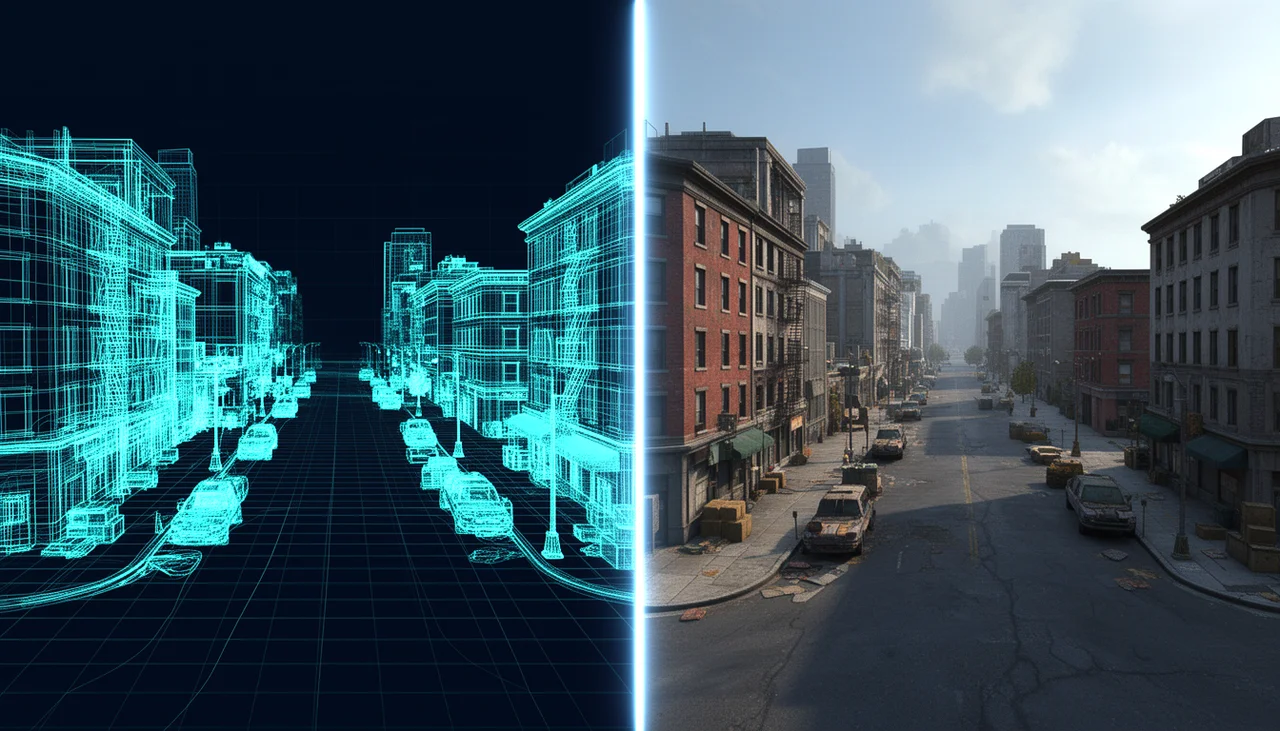
What Procedural Nodes Actually Guarantee — Rules, Not Shapes
If you understand Blender’s Geometry Nodes or Houdini’s node system as “tools for fast shape creation,” the comparison to AI doesn’t hold. AI wins on raw generation speed. That comparison fails because nodes aren’t about shape generation. They’re about rule enforcement.
Road width in meters, minimum building spacing, which collision layer attaches to which object—these are declarations nodes make. Parametric precision, non-destructive operations, density by distance, attribute assignment by class. None of these create shapes. They guarantee the shapes created will meet specifications.
What’s interesting is AI toolmakers figured this out first. Customuse’s guide explains chaining retopology into UV unwrap into PBR texturing as a node network lets you iterate a single stage without touching the rest. Treating UV work as a pipeline stage instead of one-off manual fixes is what actually carries generated assets to production. The “use nodes” argument isn’t coming from the anti-AI camp exclusively.
Scale makes sense in this context too. Generating thousands of assets from one node system doesn’t mean speed. It means those thousands share identical rules. That’s why procedural systems became essential for large open worlds.
Where Professionals Part Ways — “Just Make the Road 2 Meters Wider”
Picture this midway through production: the director or client asks for a single change. “Can you widen the road across the entire scene by 2 meters?” One sentence. But what that sentence means in two different workflows couldn’t be more different.
If the scene was AI-generated, you’ve got two options: regenerate everything or manually patch it in. Pick regenerate, and you lose all the non-manifold cleanup, UV retopology, collision setup, and texture bakes you’ve already invested in. Pick manual correction, and you’re touching every single road asset one by one. The bigger your scene, the worse this scales—not linearly, exponentially.
With a procedural node-based scene, you tweak one road-width parameter. Every object following that rule recalculates instantly. The collision layers you already configured? Still there. The spacing constraints between objects? Reapplied. The density rules? Back in effect. You change one number. The whole scene updates.
| Comparison | AI Generation | Procedural Node Workflow |
|---|---|---|
| Initial Production Speed | Overwhelmingly fast (seconds to minutes) | Slower (requires node structure and logic design) |
| Revision Responsiveness | Poor (regeneration or manual retopology required) | Excellent (parameter adjustments rebuild everything) |
| Data Precision | Lower (irregular topology, UV distortion) | High (numerically accurate, precise dimensioning) |
| Physical reliability | Low (frequent overlaps and floating objects) | High (collision and NavMesh rules can be applied) |
| Scalability | Low (individual asset-by-asset workflow) | High (generate multiple assets from a single system) |
This table reflects the author’s production experience and perspective. These are not official metrics or classifications sourced from the original references.
Yes, AI wins on first-pass speed. That’s undeniable. But in actual production work where iteration is built into the pipeline, the total cost equation flips. When exactly that happens isn’t something you can quantify with a formula—it depends on revision cycles, scene complexity, and how much the creative direction shifts. What we do know from shared experience: there’s almost no real production work that’s truly “set it and forget it.”
Counterpoint — What if AI could generate the entire node graph for you?
This is a fair question to ask. “These AI limitations are growing pains. Soon AI will generate entire Houdini node trees. Will we still need to learn nodes then?” You can’t dismiss this by setting up a weak counterargument and knocking it down.
Let’s start with what we can acknowledge. AI has already moved beyond generation into post-production workflows. UV unwrapping—work that used to mean manually placing seams and cleaning up islands—is largely automated now. Tools like aiimageto3d fall into this category, and they genuinely do reduce repetitive setup costs. That’s documented fact.
But the same sources revealing this also surface something else. Texture stretching on curved surfaces remains a documented problem even with AI UV unwrapping. What got automated was the work, not the judgment call. Spotting stretch artifacts and deciding whether to accept it or reproject the UVs—that’s still on you. This is what counterargument two looks like in practice.
Back to counterargument one. Generating nodes and determining the rules your project needs are two separate problems. Which Collision Layer should an object use? What’s the minimum spacing between buildings? Where should the NavMesh break—these constraints come from your design doc, your creative direction, your engine specs. Not from a prompt. Even if AI generates your node graph, someone still has to decide what conditions go inside it.
Counter-argument 3 operates on a longer timeline. The ability to think parametrically—asking “what parameters define this shape?”—isn’t locked to any single tool. The parametric mindset you develop in Houdini transfers directly to Geometry Nodes, and it’ll carry forward into whatever systems come next. What gets automated is the act of building graphs. What doesn’t get automated is the judgment of what those graphs should represent.
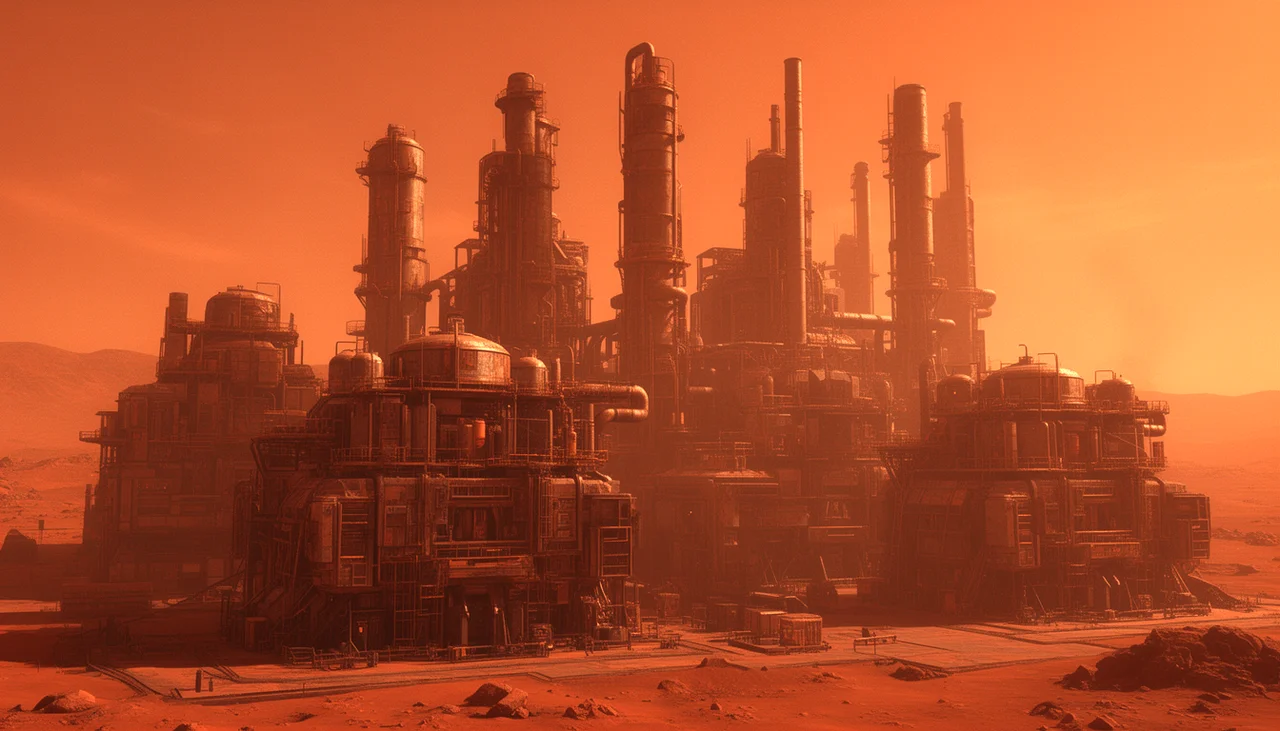
So here’s the answer for now—AI proposes, artists finalize
I should note upfront that this conclusion isn’t original to me. The production workflow we looked at with Tripo3D is essentially already hybrid. Generate with AI → discard AI’s UVs and textures → retopologize → rebuild UVs → texture. That’s the established pipeline on set. Wiring node-based workflows into this sequence is what Customuse has already documented—each stage becomes independently re-runnable.
Breaking it down, there are two phases. Phase 1 is AI-driven ideation. Tools like Meshy, Luma AI, and Tripo let you rapidly lock down rough form and surface character. You’re not expecting finished output here. You’re treating the AI result as directional reference. Phase 2 is procedural refinement. You feed that reference into a node system as input, apply rules, and push it toward production-ready assets. Retopologize, reset UVs, assign collision layers, dial in density and properties to match scene requirements.
The table below breaks down this division of labor step by step.
| Stage | Handled by | Deliverable |
|---|---|---|
| Concept and form exploration | AI generation tools | Silhouette and texture sketch |
| Structure cleanup | Retopology | Usable mesh |
| UV and texture | Node pipeline phase | Re-runnable texture set |
| Rule application | Geometry Nodes / Houdini | Asset with collision, density, and properties applied |
| Validation and sign-off | Artist | Production approval |
In this model—where AI brings creative velocity and procedurals bring technical reliability—they aren’t replacements for each other. They’re complementary. The original question “should I use AI or nodes?” was framed wrong from the start. Real production already uses both. They just operate at different layers.
FAQ
How long does it typically take to get procedural nodes production-ready?
If you’re working consistently, you can get a feel for the fundamentals of Geometry Nodes or Houdini—that sense of “tweak one parameter and the whole scene shifts”—within months. But “production-ready” depends on your definition. Simple asset scattering or distance-based density control? You can reach that relatively quickly. Writing graph-level setups that cover an entire game engine pipeline as a TD would? That’s a different ballgame. Don’t aim for the whole scope upfront. Start by nodifying whichever rule repeats most often in your current work.
Should I learn Geometry Nodes or Houdini first?
If your day-to-day is already Blender-heavy, Geometry Nodes has a lower barrier to entry. You see results immediately within the same software, and there’s no licensing cost. Houdini opens up broader expression across VFX, simulation, and game scene proceduralism, but the learning curve is steeper. They’re not mutually exclusive choices. The parametric mindset itself is universal—concepts built in one transfer to the other. If you’re already running Blender, start with Geometry Nodes. If you’re aiming for game industry TD work or VFX pipelines, consider running Houdini in parallel or bump it higher in priority. Check the official docs for current version and license details.
When I bring an AI-generated asset into a node system, what needs attention first?
The mesh itself. Whatever UVs and textures the AI generated are, for now,