
AI Tools
How Far Are We From “One Prompt, One Game”?
How Far Are We From “One Prompt, One Game”?
When Unity announced its natural language approach to game development in early 2026, the response split down the middle. New audiences saw opportunity, but working developers and artists asked the same question first: what actually works?
Unity AI entered open beta on May 4th, 2026, and we can now evaluate what it actually does. This isn’t a Unity AI explainer—it’s a breakdown of the “no-code game development” narrative against official documentation and real capabilities as of August 2026, written from an artist’s perspective. What can you use right now? What’s still on the roadmap?
What Unity promised — “Casual games from prompts, complete”
Unity AI’s open beta launched with the pitch of natural language game creation. Externally, it got summarized as “no code,” “full games from text,” and lowering the barrier to entry. That framing made sense to people with ideas but no coding background, to artists wanting rapid prototypes, and to small studios looking to cut repetitive tasks.
The promise caught fire because it had a clear audience. Everyone from idea-first thinkers to production teams heard something worth listening to.
But the gap between promise and product matters. The official documentation shows Unity AI is closer to “asset generation and editor tools” than “full casual game generation.” Understanding that gap is the difference between using this tool right and being disappointed by it.
“One prompt, one game” is Unity’s direction statement and marketing language. As of August 2026, according to official documentation, Unity AI’s actual scope is editor assistance and asset generation. End-to-end game completion from a single prompt isn’t yet part of the documented feature set.
What Unity AI actually is — Assistant, Generators, Gateway
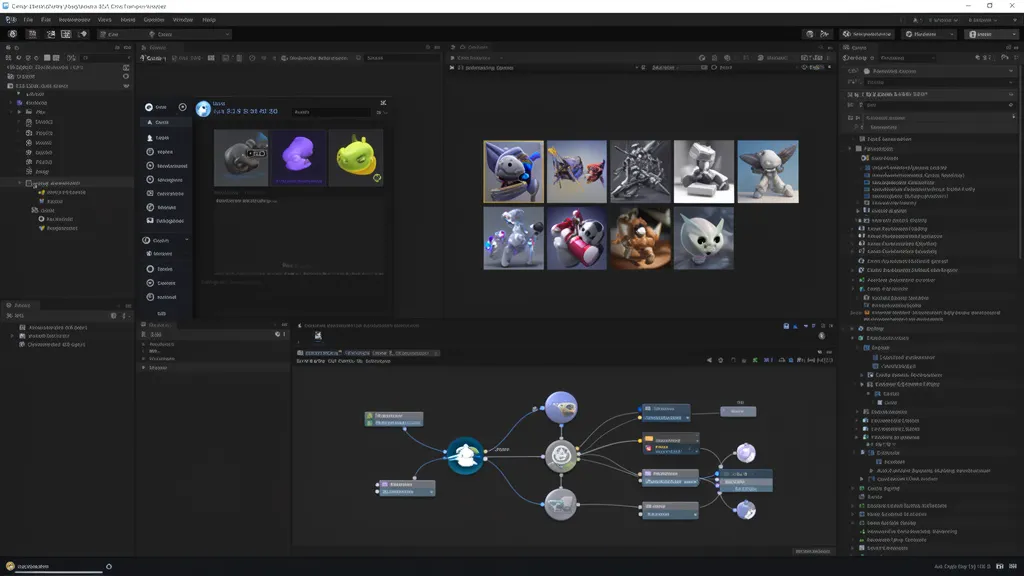
Unity AI isn’t a single feature. It’s a bundle of AI tools built into Unity 6.0+ editors, and the open beta includes In-editor AI Assistant, Unity MCP Server, AI Gateway, and asset Generators. Each component does different work, and none of them affect your workflow the same way.
| Component | What it does | For artists |
|---|---|---|
| Assistant Ask | Answers questions about your project and gives advice | Get feedback on where you’re headed |
| Assistant Plan | Writes out task breakdowns before you start | Review the plan before heavy lifting |
| Assistant Agent | Modifies objects and assets after approval | Tweaks your initial generated assets |
| Generators | Generates draft assets from descriptions | Sprites, Textures, Materials, and Props |
| AI Gateway | Connecting External Coding Agents | Claude, Codex, Gemini, and Cursor Integration |
| Unity MCP | Bridging External Tools with Unity Context | IDE Agents Get Full Visibility into Unity State |
The Assistant’s mode hierarchy matters in real production work. Ask mode is read-only—it lets you examine your project and get answers without making changes. Plan mode breaks down complex tasks into step-by-step workflows that you review and approve before handing off to Agent mode. Only Agent mode actually creates objects and modifies assets in your project, and those changes go through your permission and approval pipeline.
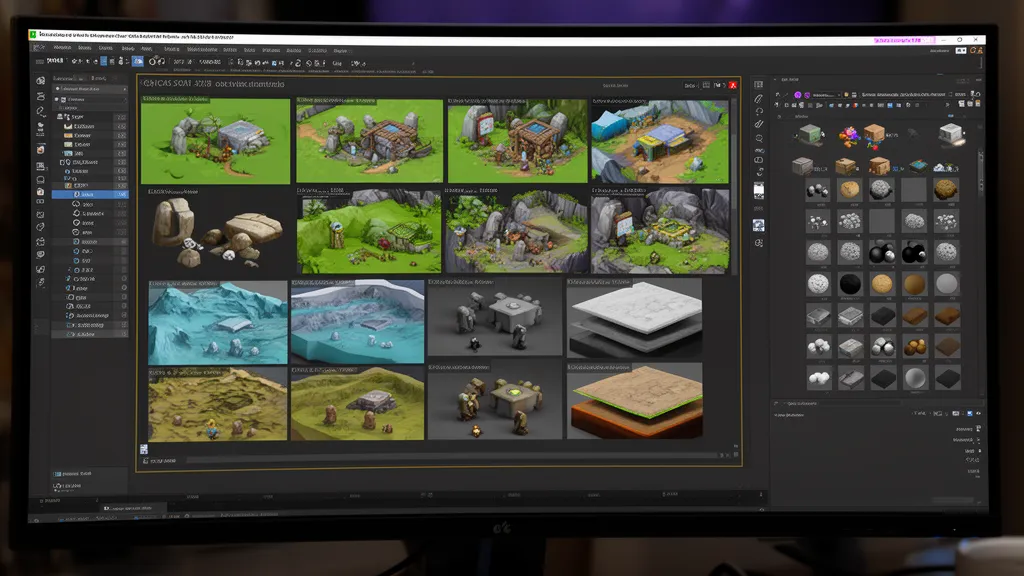
Generators are the part artists feel immediately. You can generate sprites, textures, materials, sound, animation clips, terrain layers, and static 3D object prefabs from text prompts or reference images. The Generator panel gives you direct control over resolution, output count, material and lighting detail, and upscaling parameters.
From Muse to Unity AI—the architecture shifted
Don’t mistake Unity AI for just a Muse rebrand. Muse was essentially a collection of AI tools you’d launch separately outside the editor. Unity AI lives inside the editor now. When location changes, workflow changes. Staying in your editor and accessing AI without breaking your pipeline fundamentally changes what’s actually usable in practice.
| Feature | Muse-Centered Workflow | Unity AI Workflow |
|---|---|---|
| Location | Separate AI tool outside editor | Built into Unity Editor |
| Work Method | Generation tools organized by function | Ask/Plan/Agent approval-based |
| External Model Support | Limited | Third-party agents via AI Gateway |
| Creator Perspective | A separate tool you launch as needed | An assistant embedded in your editing process |
The model strategy shifted too. Muse centered on Unity’s proprietary trained models. Unity AI taps into third-party frontier models like Gemini plus partner-generated models. This move signals a stronger focus on editor competitiveness.
The pricing model changed too. Muse was a separate subscription product. Unity AI now comes bundled into Pro, Enterprise, and Industry plans. Personal and Student tiers offer a 14-day free trial plus 1,000 credits as of August 2026, though terms are subject to change—check the official pricing page for current details.
The shift from Muse to Unity AI represents a fundamental strategy change: moving from “AI as a paid add-on” to “AI as a core editor feature.” For artists, this means you can access AI tools mid-workflow without switching to a separate application.
What actually works—asset generation and editor assistance
The most compelling aspect of Unity AI right now is how fast you can rough out assets. For prototype work—placeholder sprites to fill empty scenes, quick textures and PBR materials for direction testing, simple static 3D props for environment dressing, terrain layer mockups—these fall squarely within what the official docs describe as the Generators’ current capability window.
Agent mode works by reading your scene, proposing file edits or executing commands, and showing you diffs for approval before anything commits. The AI doesn’t unilaterally rewrite your project; instead, it operates only within changes you’ve reviewed and signed off on. The Vision feature takes sketches or screenshots as context and feeds that into code or layout work.
The Inference Engine (formerly Sentis) runs ONNX models at editor time or runtime, letting you ship AI functionality inside the game itself. This is less about asset generation and more about implementing AI behaviors inside your game—it’s more relevant if you’re building game systems than if you’re focused on content creation.
What doesn’t work yet—full automated game production
The 3D Object Generator, as documented, targets “simple props and environment assets” in the form of “static 3D object prefabs.” Complex rigging, high-poly characters, and stylistically consistent character sets are outside this scope. Generated output always requires artist review and refinement.
Intricate game systems, balance design, narrative structure, and long-play loops can get assistance from Plan and Agent, but the design responsibility stays with you. Agent mode executes approved tasks; it doesn’t decide what to build or how to wire systems together. That’s on you.
Commercial viability and IP rights are separate from technical capability. Whether you can actually sell assets generated by Unity AI, who owns the output, and what the asset store’s submission policy allows all depends on Unity’s terms of service plus the licensing terms of whichever generative model provider is backing the feature. This article sticks to what the tools can do—not what you can legally do with them.
Where Should You Actually Use This? — A Phase-by-Phase Breakdown
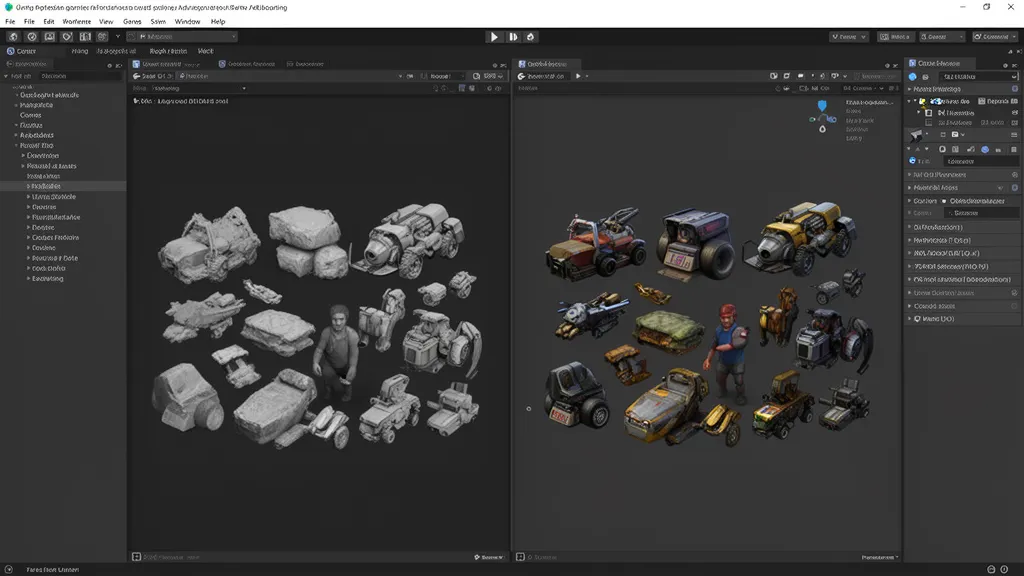
Stop asking whether to use Unity AI. Ask instead: at which stage of my pipeline does this belong? The same tool hits differently in prototyping versus final asset delivery.
| Task | Decision | Watch Out For |
|---|---|---|
| Placeholder sprites and textures | Safe to use now | Plan for final art direction pass |
| PBR material blockout | Safe to use now | Verify under actual render conditions |
| Terrain layer concepts | Safe to use now | Integrates smoothly with Unity Terrain workflows |
| Static 3D props for backgrounds | Case-by-case basis | Verify topology, scale, and LOD structure |
| Sound and animation rough passes | Case-by-case basis | Requires review of loop quality and rigging standards |
| Final character models | Still conservative | Quality assurance burden for rigging, styling consistency, and model verification |
| Full game systems | Still conservative | Design and balance decisions remain human responsibility |
AI Gateway is a feature that connects external coding agents—like Claude Code, Codex, Gemini, and Cursor—directly within the Unity Editor. However, according to official documentation, both AI Gateway and MCP functionality require a qualified Unity subscription with separate seat allocation. You’ll also need to obtain API keys or environment variables from each agent provider independently. Simply logging into a Claude Pro subscription won’t automatically establish a connection.
ANTHROPIC_API_KEY environment variables manually, and on Windows, Git Bash is a prerequisite. This can result in layered costs, so verify all requirements before implementation. Pricing and seat policies are subject to change—check Unity’s official pricing page for current terms.Common misconceptions and things to watch for
If I use Unity AI, can I finish a game without knowing how to code?
Not according to the current official documentation. Agent mode can execute code-related tasks, but it runs approved individual work units—it doesn’t replace designing your entire game architecture. AI assistance can lower the barrier to entry for simple casual prototypes, but shipping a polished game without any coding knowledge is beyond what this toolset currently delivers.
Is Unity AI free?
As of August 2026, Personal and Student plans offer a 14-day free trial plus 1,000 credits. Pro, Enterprise, and Industry subscribers need to check their Unity Dashboard to confirm bundle inclusion. AI Gateway and MCP features have separate eligibility requirements and seat allocation conditions. Since credit policies and pricing can change, verify current terms on the official pricing page before signing up.
Can I use assets made by AI Generator in a commercial game right away?
This article doesn’t make that claim for you. You need to separately review Unity’s service terms and each Generator partner’s license agreement regarding commercial use rights, asset ownership, and conditions from model providers. Store submission policies vary by platform, so always check the latest terms before using generated assets in a commercial project.
- Unity AI is a suite of built-in tools in Unity 6.0 and above. It comprises Assistant (Ask/Plan/Agent), Generators, AI Gateway, and MCP.
- It’s structurally different from Muse. It’s moved from a standalone tool outside the editor to an in-editor assistant.
- Right now it’s practical for asset prototyping and editor task support. That includes sprites, textures, PBR materials, terrain layers, and straightforward static 3D props.
- Agent mode only executes work you’ve approved. Game structure design and balance calls stay with you.
- AI Gateway requires an external agent API key, eligible Unity subscription, and seat allocation. Just logging in with a Claude subscription won’t cut it.
- Check Unity’s terms and partner provider policies separately for commercial rights and copyright on generated assets.
- In prototyping and concept phases, lean on Generator heavily. It cuts down initial asset creation time.
- Always preview generated results in the Generations panel before promoting them into your project. Don’t skip review and drop them straight in.
- Before using AI Gateway, confirm your Unity subscription tier, seat allocation, and API keys for each agent. Get your cost structure figured out first.
- Final character models, rigging, and game systems treat AI assistance as reference only—manual work remains the foundation.
- Before adopting AI-generated assets in commercial projects, review the latest Unity Terms of Service and partner model policies to confirm usage rights and licensing terms.
※ This article is based on public documentation and production workflows in active use. Version numbers, licensing terms, and commercial usage eligibility are subject to change. Always cross-reference the official documentation.