
AI Tools
Why v8 Feels Like a Different Tool if You’ve Been Using v7
Why v8 Feels Like a Different Tool if You’ve Been Using v7
Midjourney v8.1 became the default model on June 11, 2026, and v8.2 launched on July 24 of the same year—making the v8 series the practical standard now. New accounts generate in v8 by default without any configuration needed.
If you’ve been working in v6 or v7, skepticism is fair. You might think, “Is this just another incremental bump?” Midjourney has claimed each version improves on the last, and sometimes the difference barely registers. v8 is different—not because image quality jumped, but because three structural pain points that forced iterative regeneration have been addressed together: character consistency, in-image text rendering, and prompt adherence.
This isn’t a news roundup. We’re breaking down what actually changed in v8, where you’ll see real gains in production work, and what limitations remain. Pricing, subscription tiers, and commercial licensing details are in the official docs—check those separately.
Photorealism — the base rendering has shifted
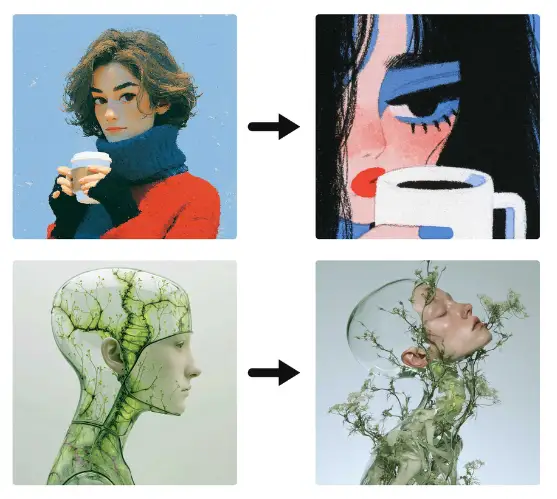
That “slightly waxy” skin texture you’d see in v7 portraits is gone in v8. Pores, fine hair, subtle shifts in light across facial planes, the gentle asymmetry between eyebrows—v8 renders these the way they’d naturally appear in a photograph. It’s not just skin. Fabric weight and weave structure, stone surface grain and depth, light refraction across water—each material reads distinctly.
Native output resolution improved too. You used to need an upscale step for larger output sizes. Now v8 holds detail at scale straight from the base render. Architectural and interior work also benefits—straight lines and edges stay crisp when you bump the size up, which was a consistent artifact before.
Specify camera and film stock in your prompt and you’ll see the payoff. Something like “85mm f/1.8, Kodak Portra 400, natural side light” aligns with how v8 applies photographic logic to lighting and depth of field. It’s not decorative language—it actually shapes the output direction.
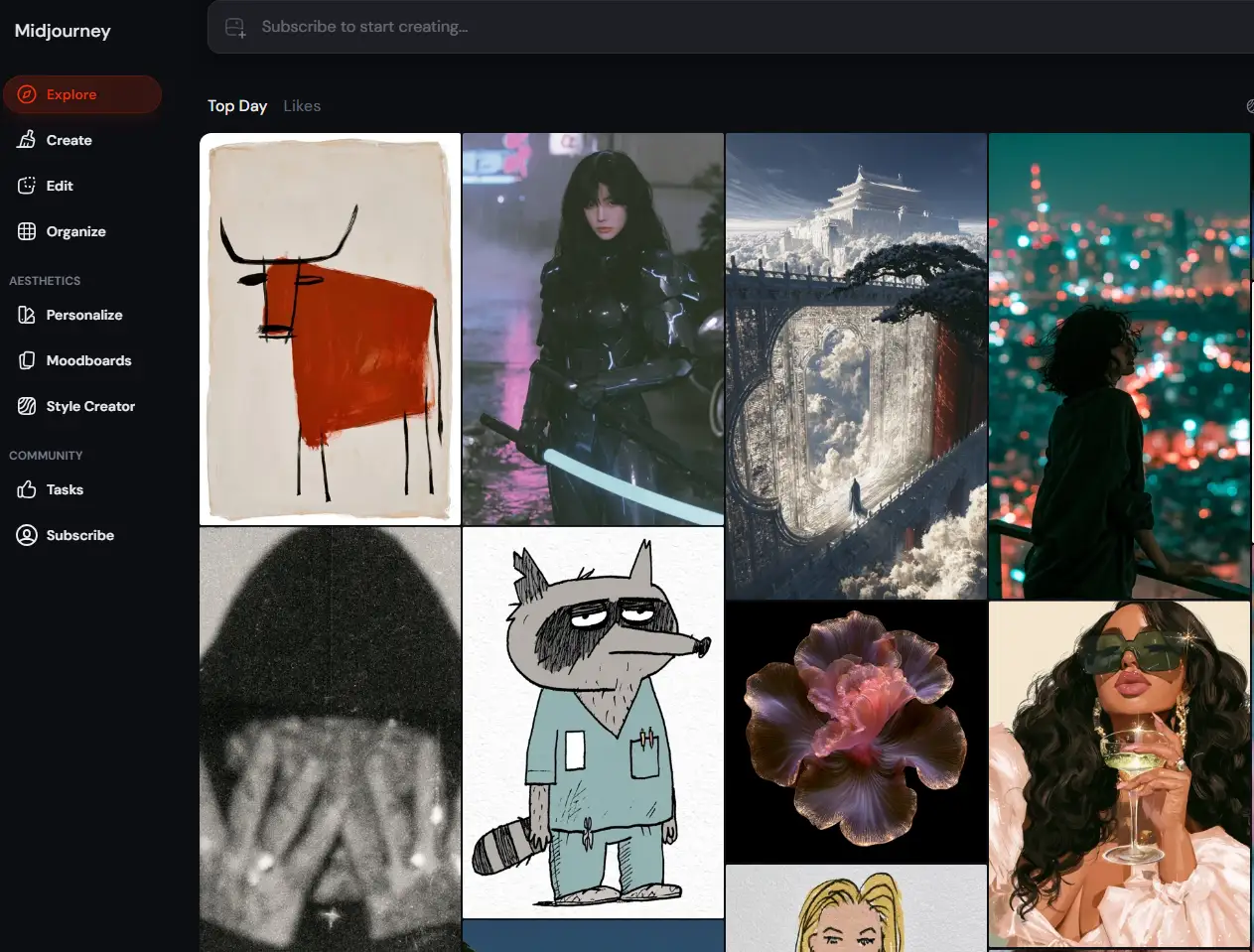
Character consistency — finally production-ready
Character consistency was the most-requested feature in the Midjourney community for years. Any project with the same character across multiple frames—brand campaigns, game storyboards, webtoon visualization—meant either endless regeneration or heavy post-work to unify faces. v8 handles this at the parameter level.
| Parameter | Function | Cautions |
|---|---|---|
| –cref | Reference image—locks face structure and likeness | Can drift under extreme angles and lighting conditions |
| –sref | Inherits color palette, tonal range, and compositional approach on a per-session basis | Inconsistent style matching when costume changes are significant |
–cref locks the facial structure from a reference image for subsequent generations. –sref carries forward the color palette, tonal range, and compositional approach within a session. Using both parameters together maintains consistency when building image series.
That said, the distinction between “flawless” and “production-ready” matters. Extreme lighting shifts, unusual camera angles, and major costume changes still produce drift. Third-party reviews generally agree it’s solid enough for most professional workflows. The expectation shouldn’t be “it always works now”—that’s setup for disappointment. Instead, frame it as “significantly fewer artifacts than before,” and you’ll find it genuinely useful.
Text inside images — short captions now read clearly
Text rendering has long been a pain point in AI image generation. Characters would blur together, letters would vanish or morph into impossible glyphs, and numbers routinely got the digit count wrong. v8 makes a real dent in these issues by routing text through a dedicated rendering pipeline.
| Text Style | Legibility |
|---|---|
| Short sans-serif (1–3 words) | High |
| Numerals and digit counts | High |
| Serif display | Medium-High |
| Handwriting | Medium |
| Multi-line Body Copy | Low |
Short phrases render cleanly up to roughly 10–15 words overall, with sans-serif fonts performing most reliably at 1–3 words. Serif, handwriting, neon, and chalk styles are all supported. Number and digit rendering has improved significantly. For work that needs key messaging—logo concepts, poster mockups, signage, product labels, social graphics—the output is production-ready.
The limitations are real. Multi-line text blocks, like body copy in a magazine spread, remain unstable. If you need precise font control or a specific typeface to land exactly, it’s still smarter to generate the image and then composite actual text over it in your design tool.
Prompt Adherence and Negative Refinement
Through v7, complex prompts often led to one element dominating while others got crushed. Feed it “woman on a city rooftop looking at a laptop, golden hour backlight, calm mood” and either the figure would overwhelm the frame or the background would turn to mush. v8 changed this internally—it scores prompt adherence across all elements and picks the result that balances everything most evenly.
The difference shows up in regeneration count. Work that previously needed multiple passes to land close to intent—complicated scene descriptions—now often nails it in 2–3 attempts on v8, per third-party reviews. That translates directly to saved time and credits.
Negative prompt handling also shifted. v7 sometimes created unexpected artifacts when you tried to remove something. v8 cleanly removes only what you target and leaves the rest untouched. When writing negatives, being specific—”no motion blur” instead of “no blur”—works noticeably better.
Inpainting and Outpainting—From Regeneration to Refinement
The editing tools reshape workflow itself. The old pattern was “generate, hate one thing, trash the whole image and start over.” Even if only one element missed, you lost the good parts too.
v8’s inpainting reads surrounding context—light direction, color palette, texture—and fills naturally within it. For partial fixes like removing objects, swapping clothing, or changing background elements, the rest of the image stays intact. Outpainting (canvas expansion) now matches style too, so expanded areas don’t read as pasted-on from a different session.
The shift matters because v8 says “yes” more often to the question “can I finish a good image without regenerating everything?” Not every edit is flawless, but the math on credit spend changes when full regenerations drop.
Through v8.2—Update Timeline and Practical Application
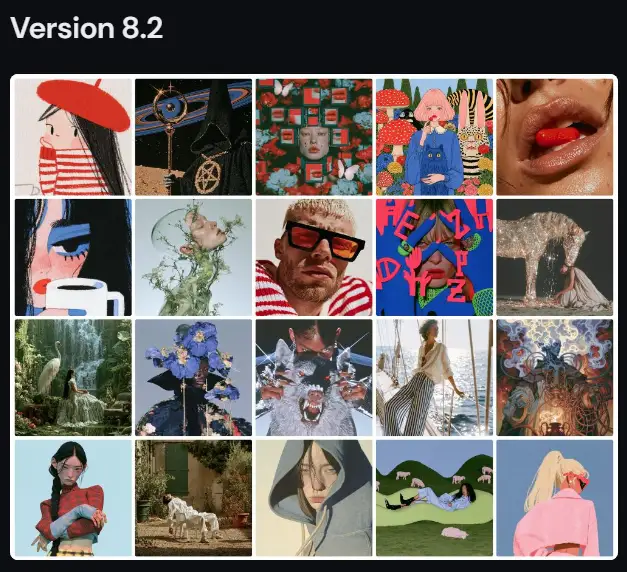
v8.1 became the default model on June 11, 2026. v8.2 shipped July 24. Official specs highlight gains in aesthetics, image quality, and personalization. Low-quality random outputs dropped significantly, and custom profiles now track user taste more accurately. The image pool feeding personalization expanded substantially this release.
Work types most likely to see real gains from v8 series:
- Commercial stock, moodboards, client presentations—direct photorealism boost
- Brand and marketing campaign image sequences—character and style locked via –cref + –sref combos
- Game asset ideation and story visualization—cheaper reference passes with fewer regenerations
- Logo mockups, posters, product labels—short-form text rendering now viable
- Social content—partial edits via the editing suite
Work demanding tight font control or characters shifting through extreme lighting and angles per shot still needs post work or parallel tools.
| Features | What’s New in v8 vs. v7 |
|---|---|
| Skin Rendering | Waxy appearance eliminated; improved pore and fine hair detail |
| Character Consistency | Face structure lock-down via –cref |
| Text Rendering | Stable output for short phrases under 10–15 words |
| Prompt Adherence | Better balance across multi-part prompts |
| Native Resolution | Large-format output without upscaling |
| Inpainting | Context-aware fill that reads naturally |
| Outpainting | Extended areas blend seamlessly with style matching |
Note: The data above is compiled from third-party reviews (picassoia.com) and does not represent official Midjourney figures. Use this as reference material only.
FAQ
Should I switch from v7 to v8?
Start by identifying the bottleneck in your workflow. If you’re constantly regenerating because character consistency keeps breaking, you’re adding text to images regularly, or complex scene prompts aren’t landing the way you want them to, moving to v8 will likely pay real dividends. On the flip side, if you’re mainly generating standalone images and you’re satisfied with your v7 results, there’s no urgent reason to switch. Since v8.1 is now the default model, you’ll naturally end up using v8 when you start new projects anyway.
Is character consistency perfect now?
No. The –cref flag lets you lock down facial structure, and character stability across shots is noticeably better than before in typical scenes. But under extreme lighting shifts, unusual camera angles, or significant costume changes, drift still happens. Third-party evaluations suggest that most professional use cases now produce production-viable results. The right frame of mind is “much improved” rather than “always works”—that’s how you avoid misjudging things in practice.
Which subscription tiers have access to v8?
At the time of writing, there’s no official source confirming v8 access by subscription tier. There are mentions of tier-specific terms, but details haven’t been verified. The same goes for commercial licensing and pricing. Before you subscribe, check Midjourney’s official site (midjourney.com) directly for current terms.
The real win with v8 isn’t better image quality—it’s fewer regeneration cycles. When your character holds steady across frames, text in the image actually reads, and complex prompts translate correctly, you reclaim the time and credits you used to burn on re-runs. This update isn’t about perfection; it’s about measurably lower iteration costs.
Character drift, long-form text instability, and extreme lighting edge cases are still there. And subscription tiers, pricing, and commercial rights shouldn’t be guessed at—check official sources first. Ask yourself whether these improvements actually cut costs in your pipeline. That’s how professionals approach it.
This article draws from Midjourney’s official updates (updates.midjourney.com) and third-party reviews (picassoia.com, 2026-05-19). Features, subscription tiers, pricing, and commercial licensing terms are subject to change. Always cross-reference the official Midjourney documentation.