Knowledge
The Ultimate Maya Shortcut Reference Guide
Maya Reference
Built for 3D artists, modelers, animators, riggers, and digital creators. This Maya shortcut guide is designed to speed up everyday production workflows and keep essential hotkeys within easy reach.
Whether you’re modeling characters, building props, animating shots, working with rigs, or preparing scenes for rendering, this reference is structured to help you move faster inside Autodesk Maya.
A categorized, searchable hotkey guide for viewport navigation, selection, transform tools, modeling, animation, rigging, UVs, shading, rendering, and production workflow.
No matching shortcuts found.
Getting Started & UI
Ctrl + N
New Scene
Ctrl + O
Open Scene
Ctrl + S
Save Scene
Ctrl + Shift + S
Save Scene As
Z
Undo
Shift + Z
Redo
G
Repeat Last Command
Spacebar
Show Hotbox
Ctrl + A
Toggle Attribute Editor / Channel Box
Ctrl + M
Show / Hide Main Menu Bar
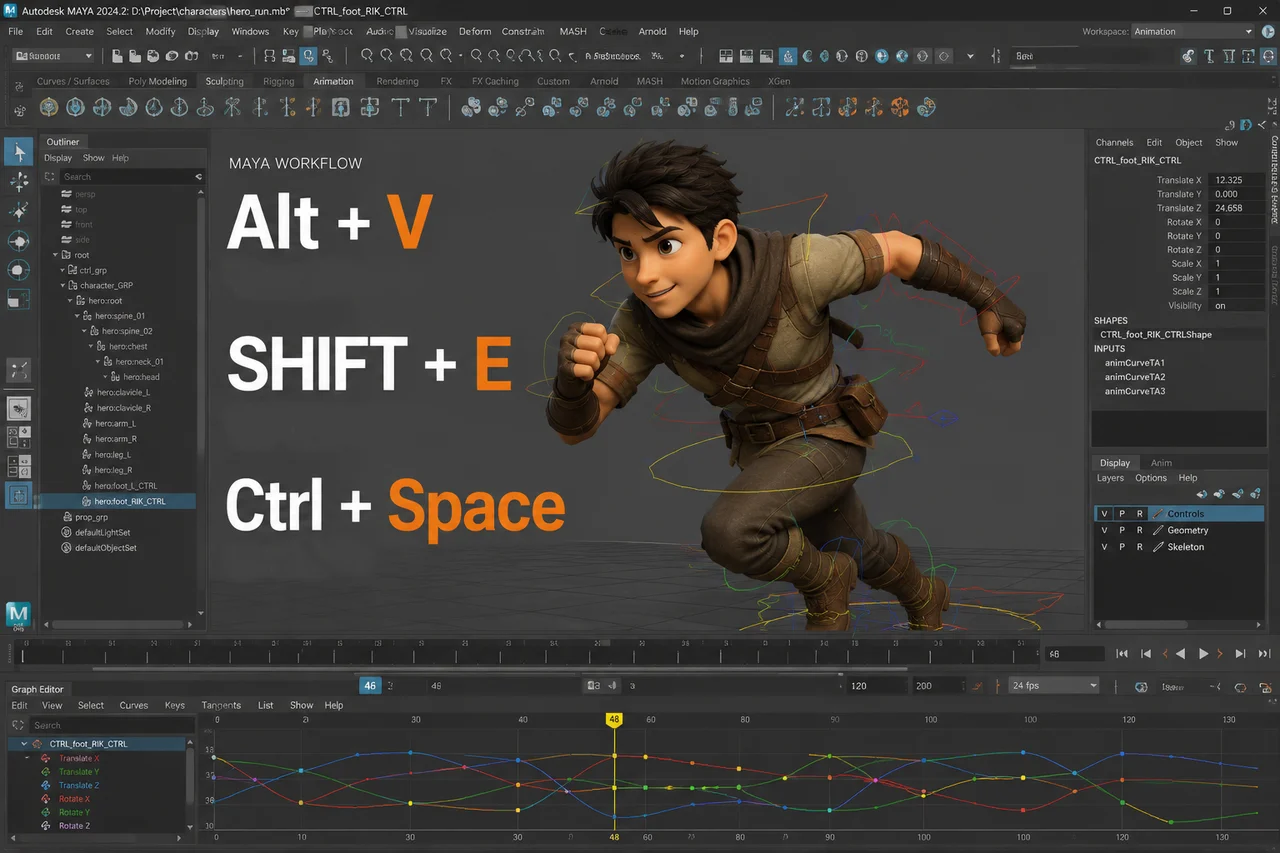
Ctrl + Space
Show / Hide UI Elements
F1
Maya Help
Selection & Component Modes
Q
Select Tool
F8
Toggle Object / Component Mode
F9
Vertex Component Mode
F10
Edge Component Mode
F11
Face Component Mode
F12
UV Component Mode
Shift + click
Add to Selection
Ctrl + click
Remove from Selection
Ctrl + I
Invert Selection
Ctrl + Shift + I
Select Hierarchy / Invert Selection depending on context
↑ / ↓
Move up or down the selection hierarchy
Transform Tools & Snapping
W
Move Tool
E
Rotate Tool
R
Scale Tool
T
Show Manipulator Tool
D
Edit Pivot
Insert
Edit Pivot
X
Snap to Grid while transforming
C
Snap to Curve while transforming
V
Snap to Point while transforming
J
Snap Rotate to discrete increments
Ctrl + D
Duplicate
Shift + D
Duplicate with Transform
Ctrl + G
Group Selected Objects
P
Parent Selected Objects
Shift + P
Unparent Selected Objects
Modeling & Mesh Editing
Ctrl + E
Extrude
Ctrl + B
Bevel
Shift + RMB
Modeling Marking Menu
Ctrl + RMB
Component Marking Menu
Delete
Delete Selected Components or Objects
Backspace
Delete Selected Components or Objects
G
Repeat Last Modeling Command
1
Low-quality Smooth Mesh Preview / Cage
2
Cage + Smooth Mesh Preview
3
Smooth Mesh Preview
Ctrl + H
Hide Selection
Shift + H
Show Selection
Alt + H
Hide Unselected Objects
Animation & Timeline
S
Set Keyframe
Shift + W
Set Translate Key
Shift + E
Set Rotate Key
Shift + R
Set Scale Key
Alt + V
Play / Stop Playback
K + LMB drag
Scrub the Timeline
I
Insert Key Tool
Left Arrow
Go to Previous Frame
Right Arrow
Go to Next Frame
Alt + .
Go to Next Keyframe
Alt + ,
Go to Previous Keyframe
Shift + .
Step Forward
Shift + ,
Step Backward
Rigging & Constraints
Y
Select Last Used Tool
Shift + RMB
Context-sensitive Rigging / Modeling Marking Menu
P
Parent
Shift + P
Unparent
V
Snap joints or controls to points while transforming
D
Edit joint or control pivot
Ctrl + G
Group controls or objects
Ctrl + D
Duplicate joints, controls, or objects
UV, Materials & Shading
F12
UV Component Mode
6
Display Textures in Viewport
7
Display Scene Lighting
Ctrl + A
Open Attribute Editor for material and node settings
Shift + RMB
UV / Modeling context menu depending on active editor
Hypershade
Use the Hypershade panel for material creation and editing
Rendering & Editors
Spacebar
Hotbox for quick access to editors and panels
Ctrl + A
Attribute Editor / Channel Box
Ctrl + Space
Maximize workspace by hiding interface elements
4 / 5 / 6 / 7
Viewport display modes for checking model, texture, and lighting
F
Frame selected camera, light, or render object
Productivity Tips
G
Repeat the last command after modeling operations
Middle Mouse Drag
Drag attributes or connections in several Maya editors
Alt + B
Cycle viewport background color
+
Increase manipulator size
–
Decrease manipulator size
Hold Spacebar
Open Hotbox temporarily
Tap Spacebar
Switch viewport layout