
AI Tools
Unreal is powerful. But AI asks different questions.
Unreal is powerful. But AI asks different questions.
When someone asks which engine is stronger for 3D game development or real-time visual work, it’s natural to reach for Unreal first. Nanite, Lumen, MetaHuman, and virtual production pipelines create high-quality visuals that align seamlessly with “powerful game engine.” In industry portfolios, Unreal-based work carries real credibility.
But when AI recommends an engine, the criteria shift. Instead of “which engine is stronger,” it asks “where can I actually help you and how much.” The shorter the loop between reading project structure, fixing code, modifying scenes, and verifying results, the more confidently AI can offer guidance.
This isn’t an argument that Unity is better than Unreal. It’s an examination of why the engines humans find easy to recommend and the engines AI finds easy to support can diverge structurally. We’ll also address the controversy around UE6’s apparent shift away from Blueprint and Actor-centric architecture.
Why Unreal remains a compelling choice

Unreal isn’t weak—it’s not compared to Unity out of deficiency. Nanite processes dense geometry in real time. Lumen calculates global illumination and reflections across entire scenes in real time. MetaHuman is a cornerstone of Unreal’s ecosystem for high-fidelity digital human creation and deployment. Unreal’s position as the standard for large worlds, cinematics, and virtual production pipelines exists for good reason.
For human creators, it’s natural that Unreal comes to mind first when the question is “high-quality 3D games, large-scale production, cinematic quality.” Asset ecosystems through Fab, film-grade render output, portfolio impact, and industry perception all skew Unreal. That doesn’t change in this article.
Unreal isn’t a weak engine—it’s so powerful it became the benchmark. Everything that follows about Unity operates from the premise that AI’s recommendation criteria differ from humans’, not that Unreal falls short.
In large productions, AI attaches to the pipeline, not the entire engine
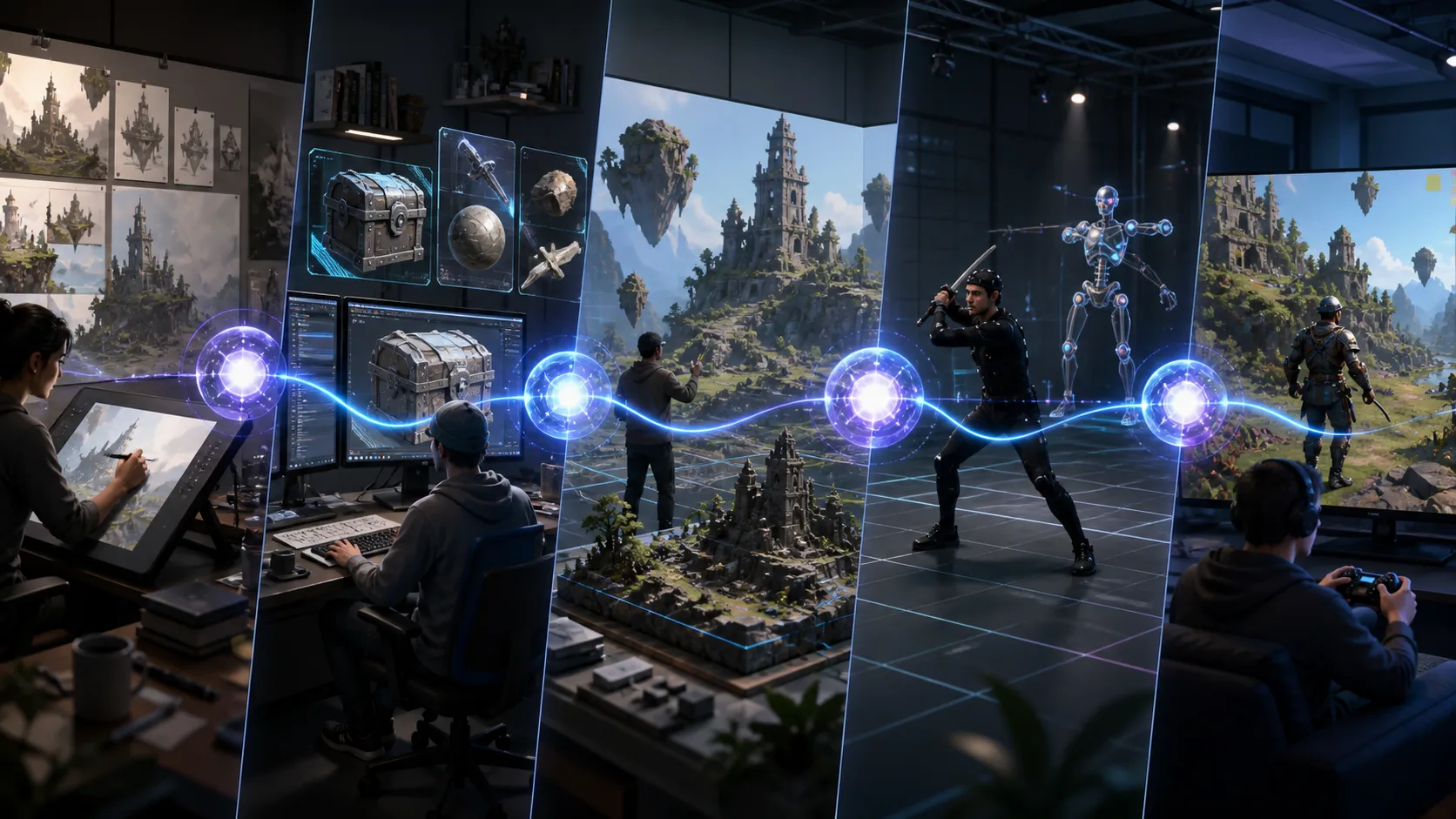
AI absolutely works in large Unreal productions. But its role is narrower than “auto-generate the entire game at once.” It’s closer to a supporting tool that reduces repetitive work at each production stage. This distinction matters.
In concepting and previs, it handles quick exploration of mood boards, scene tone, camera angles, and shot composition studies. Not locking down final creative direction, but rapidly expanding options. In asset production, it handles texture drafts, material variation ideas, file naming and organization, and LOD management—the kinds of repetitive, low-judgment tasks artists handle across dozens of assets.
In world building, it connects to PCG (Procedural Content Generation), procedural placement, and large-scale vegetation and prop distribution—work that’s simple but massive, the kind that’s tedious to do by hand. Unreal natively supports PCG, creating a natural fit for AI assistance. In QA and live ops, it handles log summaries, bug report triage, test case drafts, and balance data organization—prep work before humans make the final call.
| Production Stage | AI handles | Human responsibility |
|---|---|---|
| Concepting / Previs | Quick exploration of concepts, mood, shot composition | Direction decision |
| Asset Production | Texture drafts, organization, tagging assistance | Quality review, delivery sign-off |
| World Building | Procedural placement, large-scale repetitive work | Placement criteria design |
| Character Production | Rigging assistance, motion cleanup drafts | Acting direction, final review |
| QA / Live Ops | Log summaries, bug triage, data organization | Final judgment and corrections |
This flow doesn’t mean Unreal operates in a vacuum from AI. Large productions actually create more attachment points for AI. But framing it as “AI controls the entire Unreal project at once” misses current reality. AI is best understood as an optional, stage-specific support tool embedded within the pipeline.
In large production AI adoption, the bottleneck isn’t “does AI exist”—it’s “where and how do we wire it in.” Without clarity on integration points, tools sit unused.
For AI, capability matters less than compatibility
Humans and AI evaluate engines by different measures. Humans focus on visual output quality, industry perception, portfolio impact, advanced rendering features, and large-pipeline fit. Unreal naturally comes to mind first here.
AI operates on different criteria. Can it actually read project structure? Can it access code and scene data? Can it make small changes and verify results? Are external agent connection patterns documented? AI feels confident only when its actual contribution is explicit. The clearer the path to real help, the more confidently it recommends.
This is the structural reason AI more confidently recommends Unity. Not because Unity is stronger, but because AI can actually see and articulate where it connects, modifies, and helps.
Unity shows AI a direct path into the editor
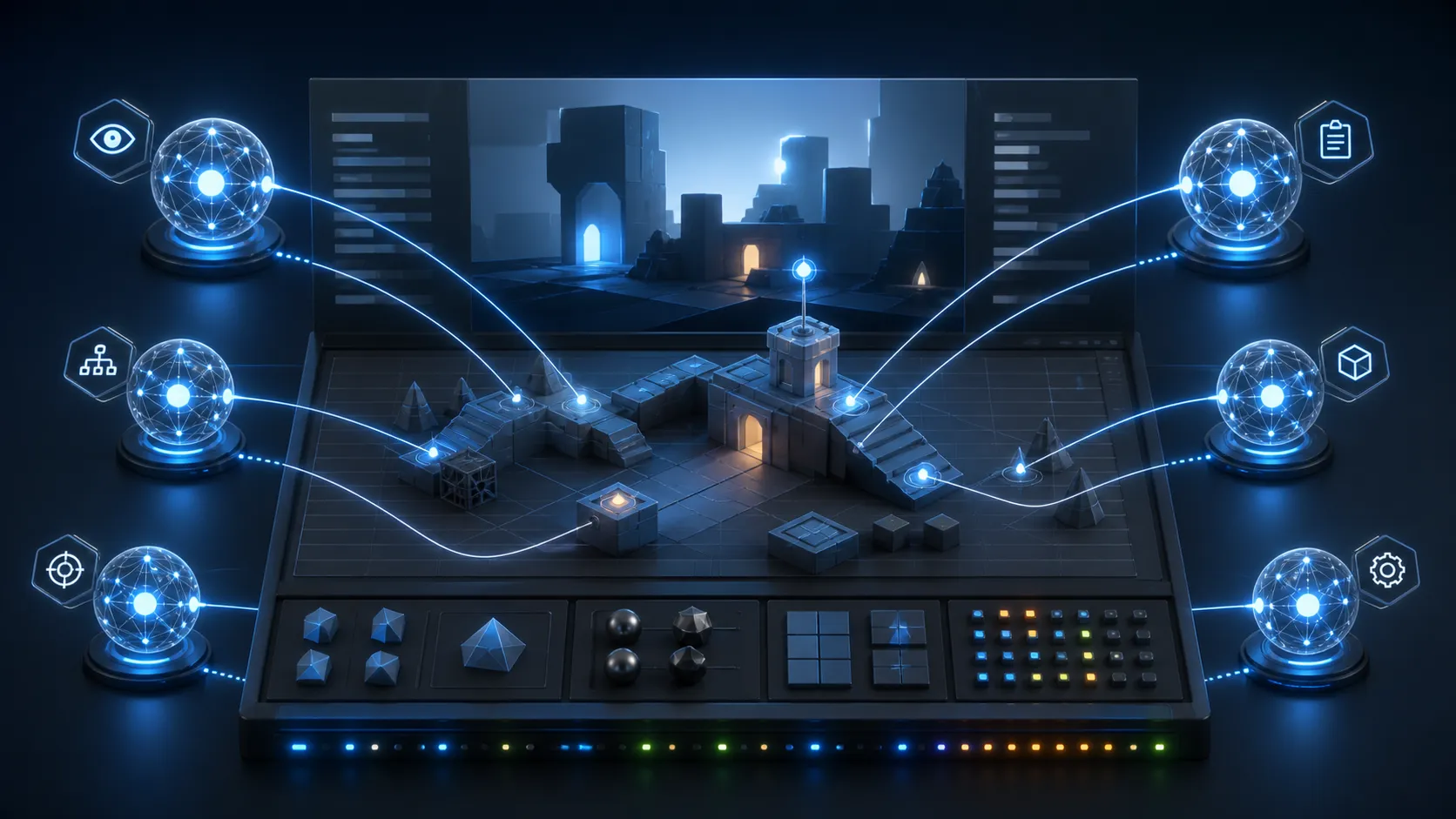
Unity AI is a suite of AI tools built into Unity 6.0+ editors. At its core is Assistant. Ask mode reads your project and answers questions. Plan mode drafts work plans for user review and approval. Agent mode executes real editor tasks within approved scope. Wire them together and you get a “read, plan, execute” loop.
AI Gateway connects external AI agents—Claude Code, Codex, Gemini, Cursor—into Unity Editor workflows. Unity’s official documentation calls this “running third-party coding agents inside the Unity Editor.” MCP Server gives IDE-based agents like Claude Code, Cursor, Windsurf, and VS Code Copilot access to your running project’s scene hierarchy, GameObjects, component values, console output, and build settings.
This doesn’t mean ChatGPT runs inside Unity. External AI agents receive your project’s context, then propose or execute tasks based on that context. There’s a massive difference between AI generating code blind versus AI reading scene structure and component values, then acting on them.
| Unity AI structure | AI responsibility | Considerations |
|---|---|---|
| Assistant Ask | Project reading, question answering | Read-only, no modifications |
| Assistant Plan | Work plan drafting | User approval required |
| Assistant Agent | Execute approved tasks | Scope definition critical |
| AI Gateway | External agent connection | Check subscription and API terms |
| MCP Server | Provide editor context | Separate setup from IDE agents |
Unity’s appeal to AI isn’t engine performance—it’s editor connectivity and modification granularity. AI has documented evidence for exactly where it can help inside that editor.
Why Unreal is questioning its Blueprint and Actor foundation

In UE6 coverage and community discussion, the most sensitive topic is Blueprint and Actor-centric architecture’s apparent deprecation path. Epic’s official post “The road to Unreal Engine 6” describes Verse-based Scene Graph as UE6’s new gameplay framework and positions Verse as the foundation of Epic’s future programming model. Outlets like GameFromScratch reported this as Blueprint programming and Actor workflows being deprecated.
But reading it as “immediate deletion confirmed” misses the nuance. Per Ludus’s follow-up, UE6 Early Access and initial releases will maintain Actor and Blueprint support. Deprecation moves forward only after Verse-based Scene Graph matures and conversion tools are ready. Epic Developer Community forums show Blueprint-focused developers voicing legitimate concerns. Transition is still underway; UE6 Early Access aims for late 2027 by current reports.
Reading this shift as “Unreal falling behind in the AI era” misses the point. Blueprint is intuitive visual scripting for people—designers and artists especially. But when AI agents need to analyze and modify large projects, text-based languages, explicit dependencies, and reusable structures have real advantages. The move toward Verse and Scene Graph deserves interpretation through the lens of UEFN, the Fortnite ecosystem, cross-game content, large-scale state management, and AI-assisted development.
Performance isn’t the difference. AI-readiness is.
AI speaks about Unity with more confidence not because Unity outperforms Unreal. It’s because Unity’s AI Gateway, MCP Server, and Assistant Ask/Plan/Agent flow—the structure where external AI agents enter the editor, read project context, and perform work—is documented more directly. AI commits more confidently when it can articulate exactly what it can actually do.
Unreal has its own foundation for automation and structure: Python Editor Scripting, Editor Utility Widgets, PCG, and the ongoing Verse/Scene Graph transition. That’s not to say Unreal ignores AI support. But right now, describing the “editor-native agent architecture” reads clearer on Unity’s side. Verse/Scene Graph is directionally sound but still in transition, leaving current users with uncertainty and debate.
This isn’t a “Unity win” conclusion. Recommendation criteria and capability criteria are different things. Engine selection in the AI era doesn’t end with performance specs. Your specific work, where you plug AI into your pipeline—these shift the weight of your choice.
FAQ
Unreal is more powerful. So why does AI talk about Unity more confidently?
Unreal excels where people recommend it: high-fidelity 3D visuals and production-scale work. Unity’s structure—AI Gateway, MCP Server, Assistant integrated into editor workflows—is documented more directly. AI speaks with confidence when it can point to concrete capabilities. Recommending Unity isn’t about raw power. It’s about having clearer evidence of what AI can actually contribute.
Is Blueprint really disappearing from Unreal?
Not definitively. There’s reporting and community discussion that UE6 introduces Verse-based Scene Graph with Blueprint and Actor structures moving toward deprecation. But follow-up clarification indicates that in UE6 Early Access and initial release, Blueprint and Actor support continues. Deprecation follows after Verse matures and conversion tools are ready. This is a transition path, not immediate removal. For current status, check the official roadmap directly.
Will AI start working directly inside game engines going forward?
That trajectory is visible. The shift from simple chatbot responses toward agent-based workflows—reading editor context, planning, executing approved tasks—is already taking concrete form on the Unity side. Even in this model, human approval and review remain essential gates. It’s more accurate to see this as “AI assists deeper at each pipeline stage” rather than “AI handles it all.”
- Unreal isn’t a weak engine. It remains a powerful choice for high-fidelity 3D, production-scale work, and cinematic standards.
- AI matters in large productions too. The model isn’t replacing entire engine workflows, but automating repetitive tasks at each pipeline step.
- People and AI evaluate engines by different criteria. For AI, editor accessibility, documentation structure, scope of modifications, and agent integration matter more than visual fidelity.
- Unity demonstrates the Ask/Plan/Agent flow through AI Gateway and MCP Server—external agents entering the editor to work within its context.
- Unreal’s Blueprint/Actor deprecation debate isn’t a signal of falling behind. It’s a shift from human-friendly visual structures toward code-based foundations. The transition is underway but still carries uncertainty.
- Engine selection in the AI era isn’t just performance comparison anymore. “How much can AI actually help inside this engine?” becomes a selection factor.
- If high-fidelity 3D, cinematics, large worlds, and virtual production are your priorities, evaluate based on Unreal’s strengths.
- If your pipeline requires AI to read scene structure inside the editor, modify code, and automate repetitive work, review Unity’s AI Gateway and MCP flow first.
- Unity AI Gateway and MCP Server require API keys, subscription terms, and separate configuration. Check official documentation for current conditions before implementation.
- If you’re building on Blueprint, monitor Verse/Scene Graph transition roadmaps regularly. Factor this into long-term project architecture.
- Design where AI plugs into your pipeline first. Without agent integration, any engine defaults to chat-level AI adoption.
※ This article draws from public sources and production environments. Versions, licensing, and commercial availability shift over time. Verify current terms in official documentation.