
Skip to content
CGVista ResourcesCGVista Resources
  • CG Journal
  • 3DModels
  • PBR
  • HDRI
  • MapSource
  • Sign Up
  • Join
Filter
Browse
  • 3DModel
    • appliances
    • bed
    • books
    • buildings
    • collection: hidden_alley
    • collection: namaqualand
    • collection: pine_forest
    • collection: project_lighthouse
    • collection: smugglers_cove
    • collection: the_shed
    • collection: verdant_trail
    • containers
    • creature
    • decorative
    • dishes
    • electronics
    • flowers
    • food
    • furniture
    • grass
    • ground cover
    • industrial
    • lighting
    • nature
    • office
    • plants
    • potted plants
    • props
    • rigged
    • rocks
    • seating
    • shelves
    • ships
    • structures
    • succulent
    • table
    • tools
    • trees
    • vases
    • wall decoration
  • HDRI
    • artificial light
    • clear
    • collection: verdant_trail
    • high contrast
    • indoor
    • low contrast
    • medium contrast
    • midday
    • morning-afternoon
    • natural light
    • nature
    • night
    • outdoor
    • overcast
    • partly cloudy
    • pure skies
    • skies
    • studio
    • sunrise-sunset
    • urban
  • MapSource
    • architecture
    • bricks
    • carpets
    • cloth
    • fabrics
    • metals
    • plastic
    • space
    • stone
    • wall
    • woods
  • PBR
    • aerial
    • asphalt
    • bark
    • brick
    • clean
    • cobblestone
    • collection: moon
    • collection: pine_forest
    • collection: smugglers_cove
    • collection: verdant_trail
    • concrete
    • cotton
    • denim
    • dirty
    • fabric
    • floor
    • fur
    • gravel
    • hessian
    • indoor
    • jacquard
    • knitted
    • leather
    • man made
    • metal
    • natural
    • outdoor
    • plaster
    • plaster-concrete
    • raw wood
    • road
    • rock
    • roofing
    • sand
    • sandstone
    • snow
    • stretchy
    • suede
    • terrain
    • tiles
    • wall
    • wood
    • wool
  • Uncategorized
Recently Viewed
  • Brick Wall 003 Brick Wall 003 $0
  • Stucco_2 Stucco_2 $0
  • Marry Hall Marry Hall $0
Add to wishlist
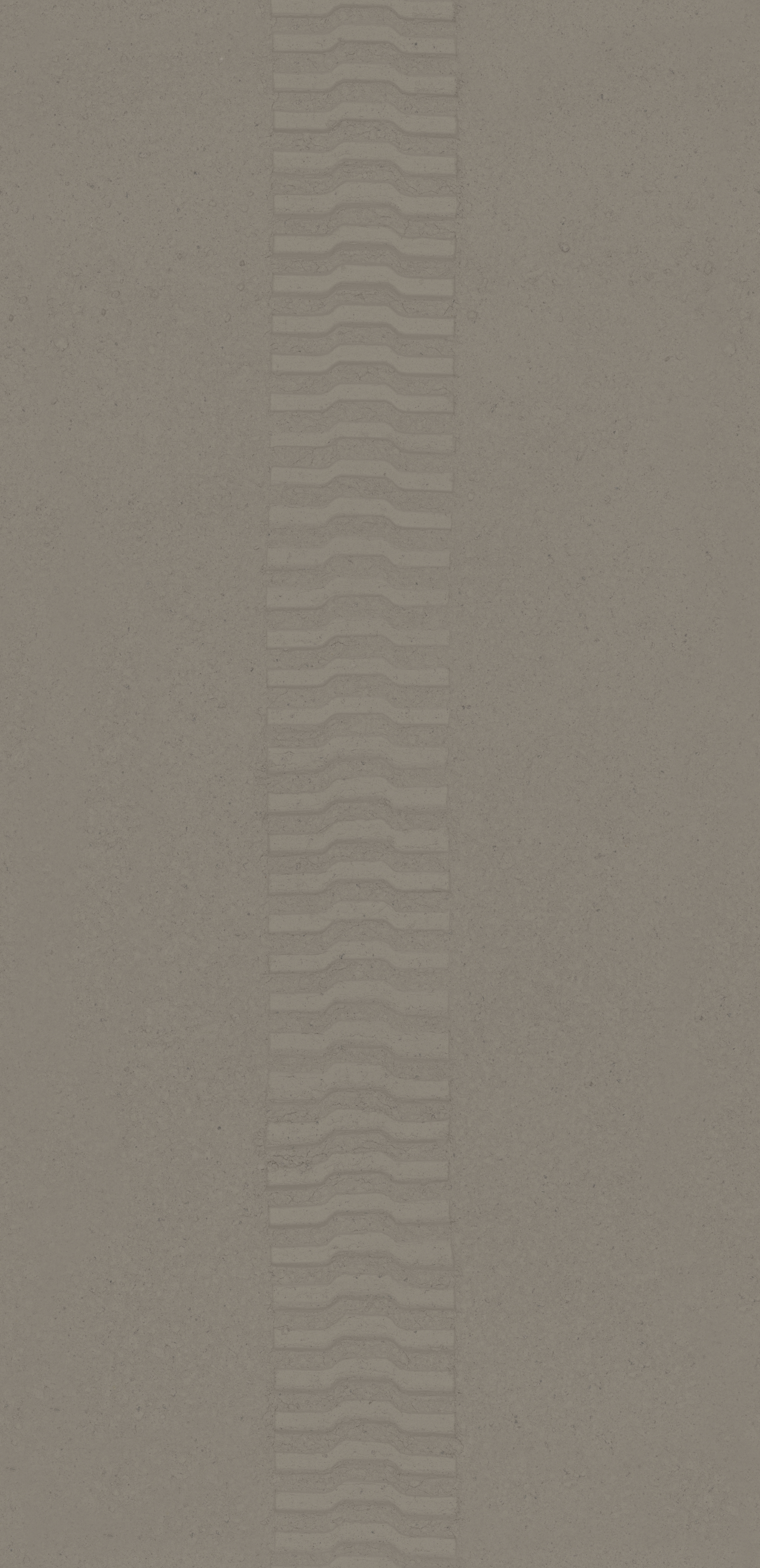
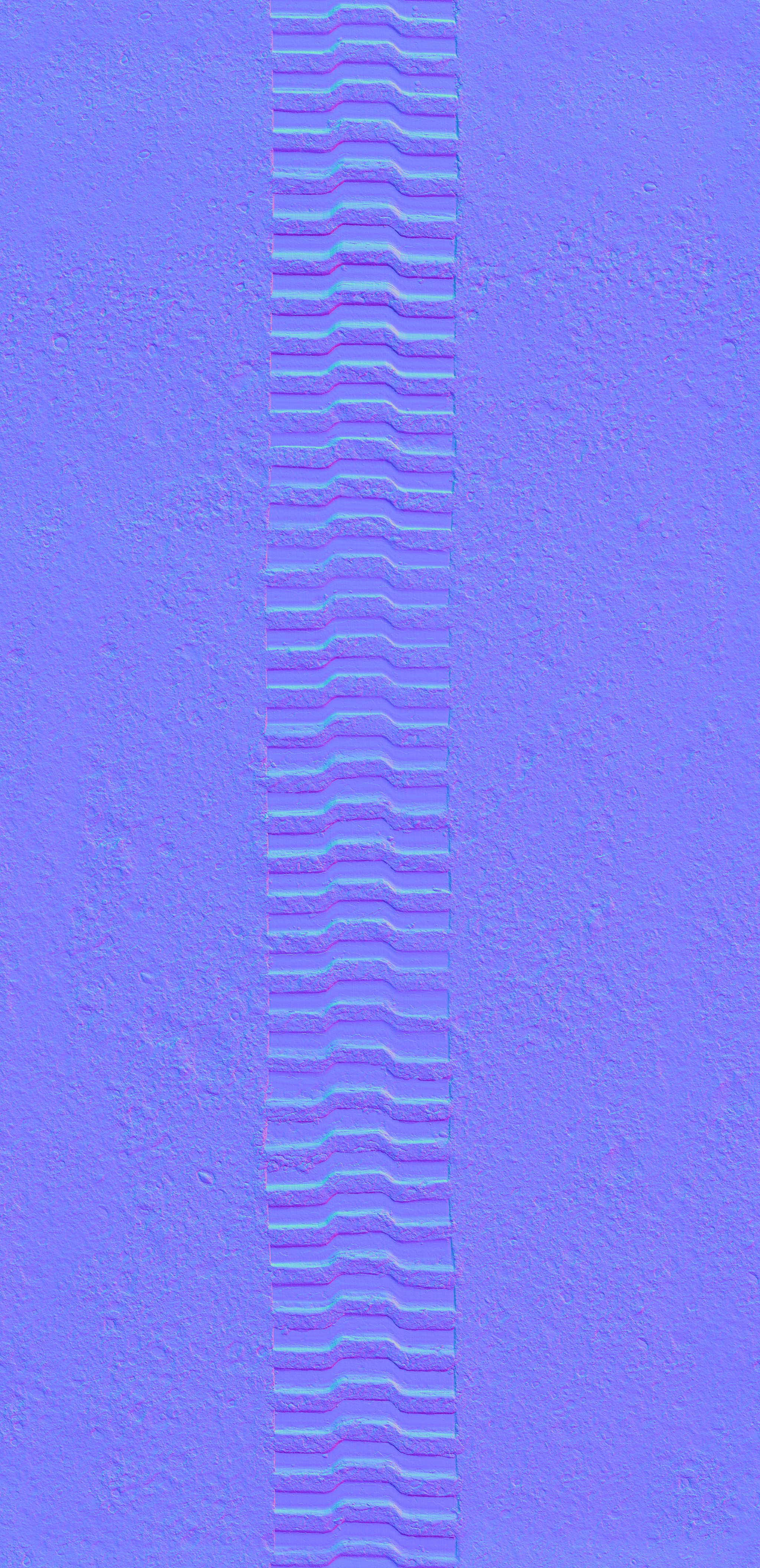
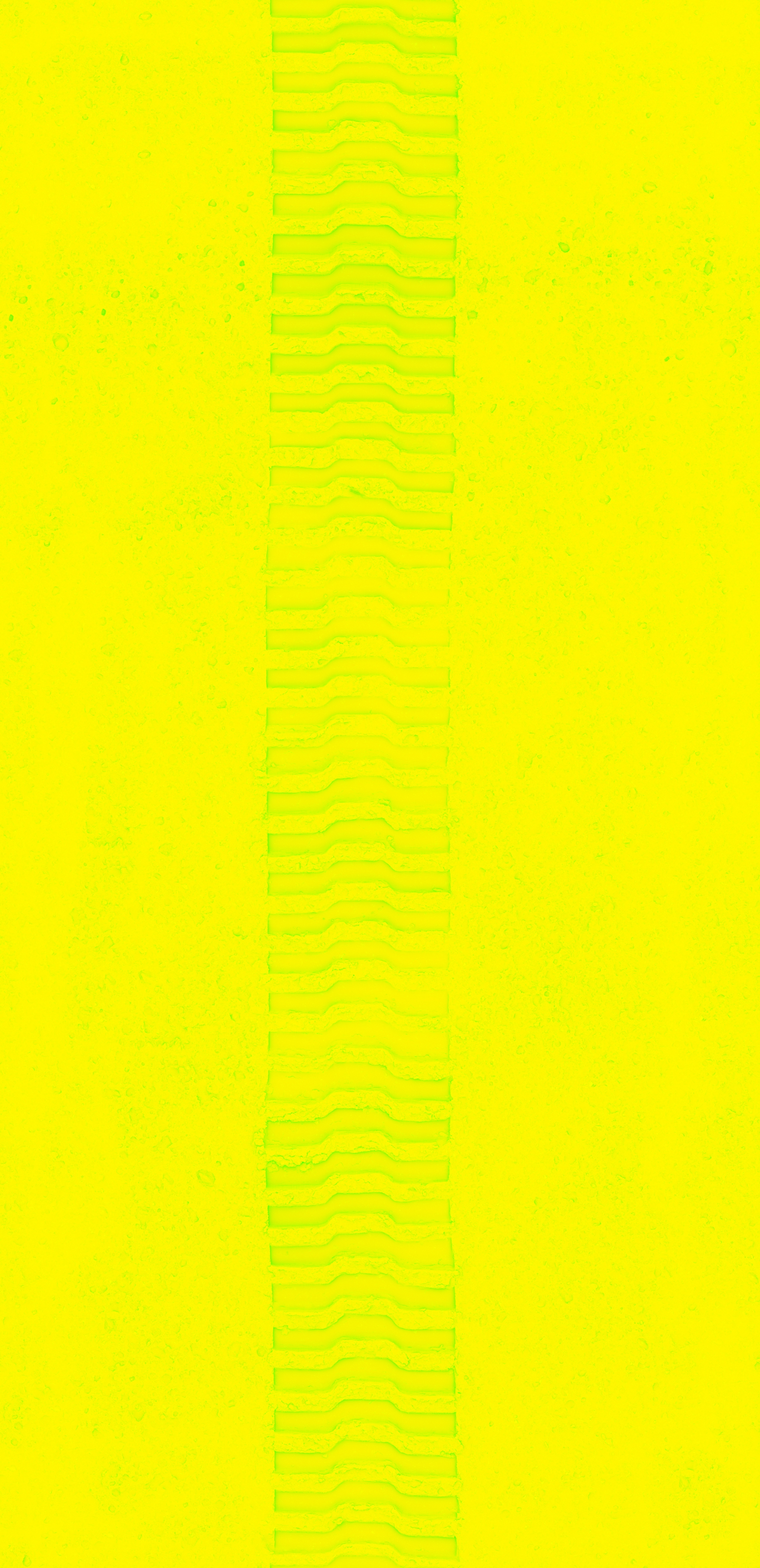
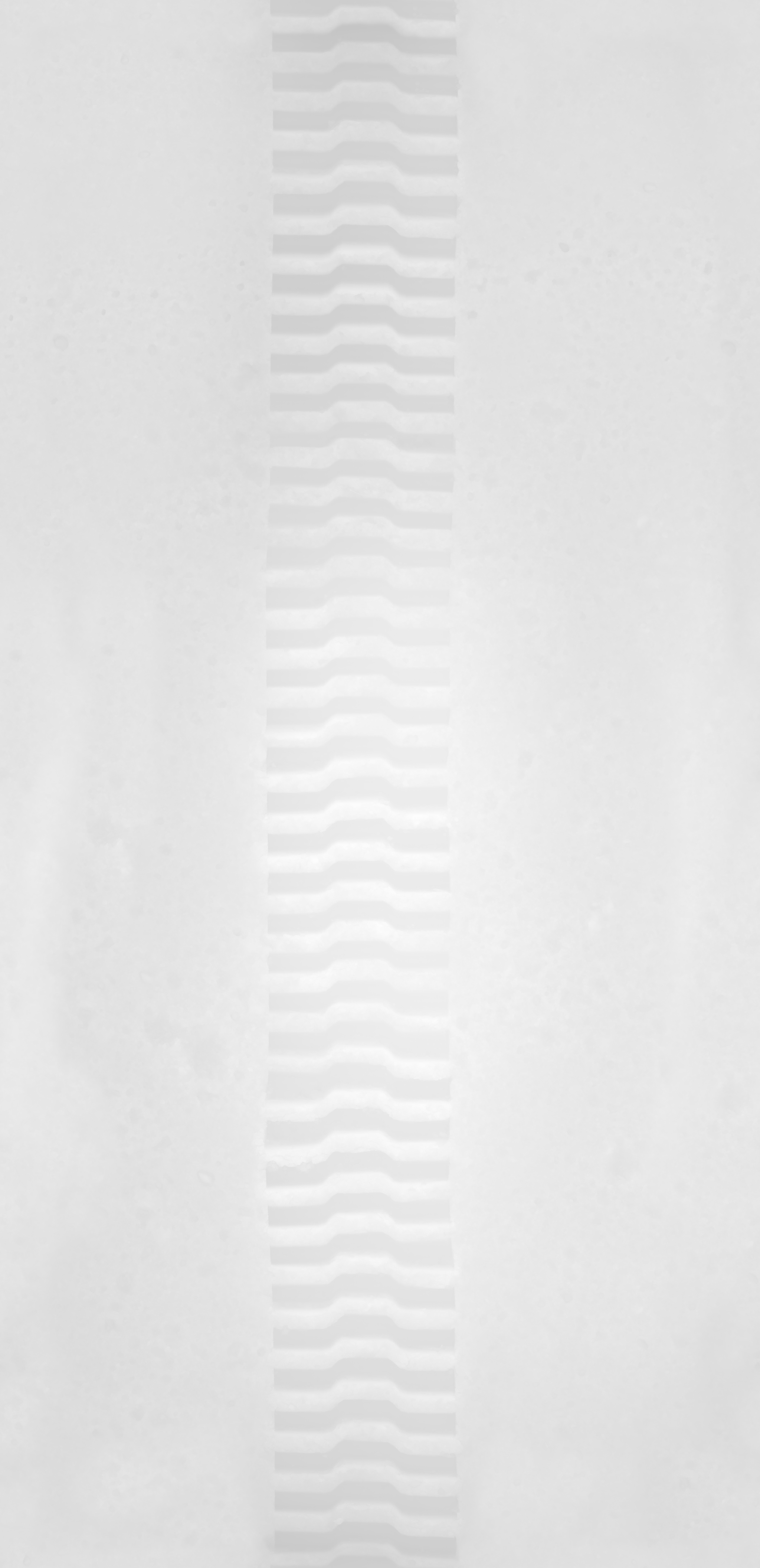
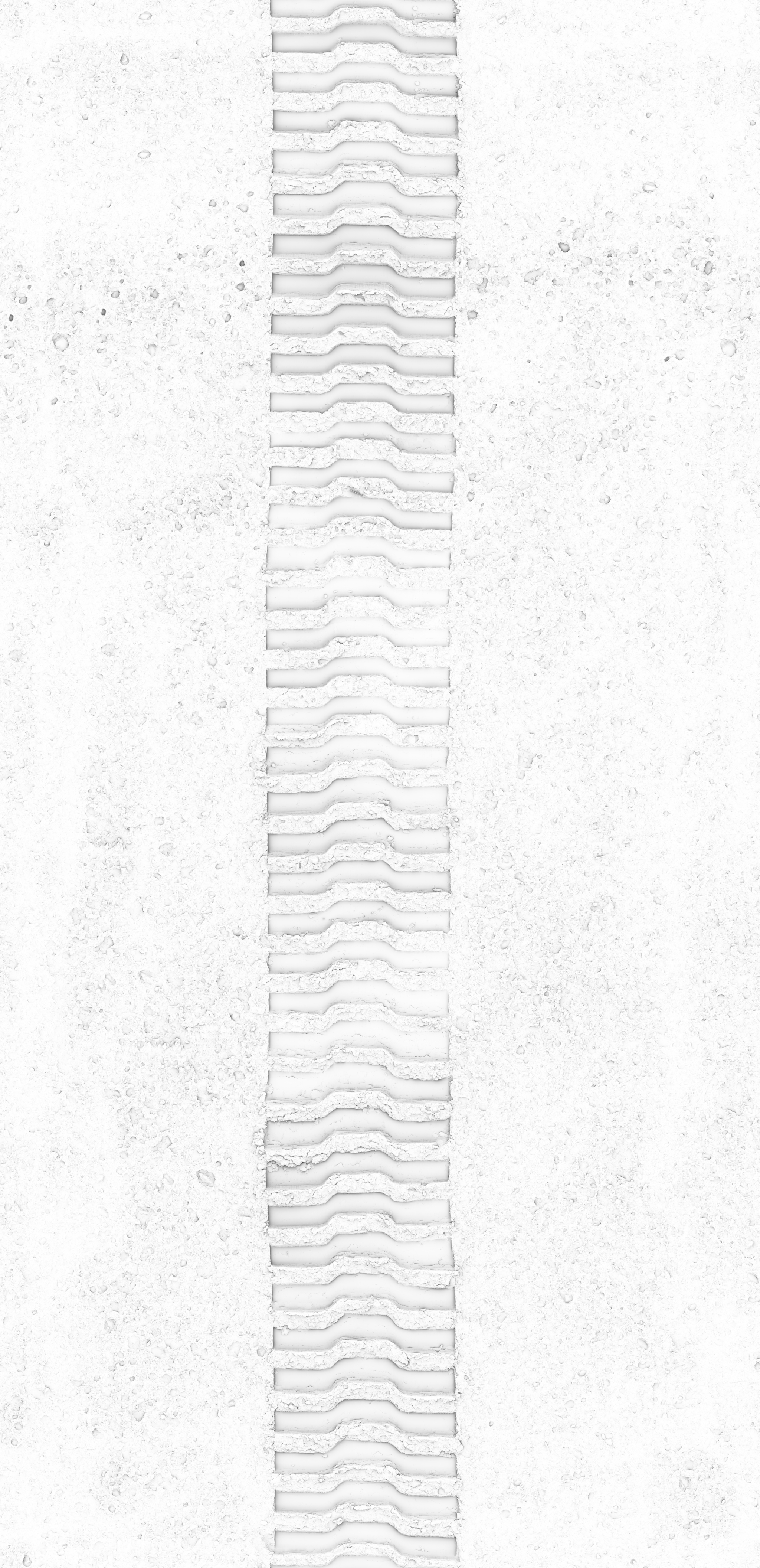
Moon Track 03
Moon Track 03 - Image 2
Moon Track 03 - Image 3
Moon Track 03 - Image 4
Moon Track 03 - Image 5
Moon Track 03 - Image 6
Home / PBR / outdoor

Moon Track 03

  • Defense Wall 02
  • Hangar Concrete Floor

$0

Categories: collection: moon, outdoor, PBR, sand, terrain Tags: course, dirt, dusted, exterior, extraterrestrial, regolith, rough, tire tracks, tracks, tyre tracks
  • Description
  • Reviews (0)

PBR Texturing Masterclass

A comprehensive guide to achieving photorealistic materials through physically-based rendering workflows

1
Key PBR Maps: Characteristics and Usage

Albedo (Base Color)

  • Characteristics: The pure color of a surface, completely devoid of lighting, shadows, or directional information.
  • Usage: For non-metals (dielectrics), this is the diffuse color. For metals, the Albedo is often very dark or near-black because the “color” of metal comes from its specular reflections.
Precautions:

Avoid absolute 0 (Pure Black) or 255 (Pure White). Nothing in nature is perfectly black or white. A safe range is typically between 30–50 RGB for blacks and up to 240 RGB for whites.

Roughness (The Soul of Realism)

  • Characteristics: Often called the most important map in PBR. It defines how light scatters across the micro-surface of a material.
  • Usage: Black (0) represents a perfectly smooth, mirror-like surface; White (1) represents a rough, matte finish.
Precautions:

Never use a uniform value. Real-world objects have fingerprints, dust, and micro-scratches. Adding subtle noise or “break-up” to your Roughness map is the fastest way to eliminate the “CG look.”

Metallic (Metalness)

  • Characteristics: Defines whether a surface is a conductor (metal) or a dielectric (non-metal).
  • Usage: In most cases, this should be binary (either 0 or 1). Grayscale values are reserved for specific cases like oxidized metal, dust-covered surfaces, or blended materials.
Precautions:

If set to 1 (Metal), the Albedo map dictates the color of the reflections. If set to 0, the material relies more heavily on the IOR (Index of Refraction).

Normal & Displacement

  • Characteristics: Normal maps fake detail by diverting light; Displacement maps change the actual geometry.
  • Usage: Use Normal maps for fine details (leather grain, fabric weave). Use Displacement for structural changes that affect the silhouette (bricks, deep rock crevices).

2
The Golden Rules of PBR (The Essentials)

I. Linear Workflow (Gamma Correction)

This is the most critical technical rule.

  • Albedo maps must be interpreted in sRGB (Gamma 2.2).
  • Data maps (Roughness, Metallic, Normal, Displacement) must be set to Linear (Raw/Gamma 1.0). Reading a data map as sRGB will distort the values, leading to physically incorrect reflections and lighting.

II. Energy Conservation

A surface cannot reflect more light than it receives. When a surface is rough, the highlight spreads out and becomes dimmer. Modern PBR shaders handle this automatically, but you must ensure your Albedo and Roughness maps don’t “compete” to create an unnaturally glowing or flat material.

III. Consistent Texel Density

Ensure that the texture resolution is consistent across all objects in a scene. If one object uses a 4K texture while the one next to it uses 512px, the visual imbalance will immediately break the immersion, regardless of how good the individual maps are.

3
Expert Tips for High-End Rendering

“Master the Art of Micro-Imperfections”

A “perfect” shader is a fake shader. To reach the highest level of quality:

  1. Design the Flaws: Don’t be afraid to push the Roughness. Add “wipe marks” or subtle smudges that are only visible at certain grazing angles.
  2. Leverage AO (Ambient Occlusion): Use your AO map as a mask to subtly increase Roughness and darken Albedo in crevices where dust would naturally accumulate. This adds a sense of “weight” and history to the object.
  3. Reference is Non-Negotiable: Never guess. Keep physical samples or high-res photos of the material nearby. Observe how the “Falloff” (the edge of the light) behaves on the surface.
PBR is a technical framework, but applying it is an act of observation. Don’t just follow the data sheets—focus on how those numbers translate into “weight” and “tactility” on the screen.

Master the fundamentals. Observe reality. Perfect the imperfections.

Reviews

There are no reviews yet.

Be the first to review “Moon Track 03” Cancel reply

Related products

Rusty Metal Sheet
Add to wishlist
Quick View

man made

Rusty Metal Sheet

$0
Preconcrete Wall 001 Long
Add to wishlist
Quick View

concrete

Preconcrete Wall 001 Long

$0
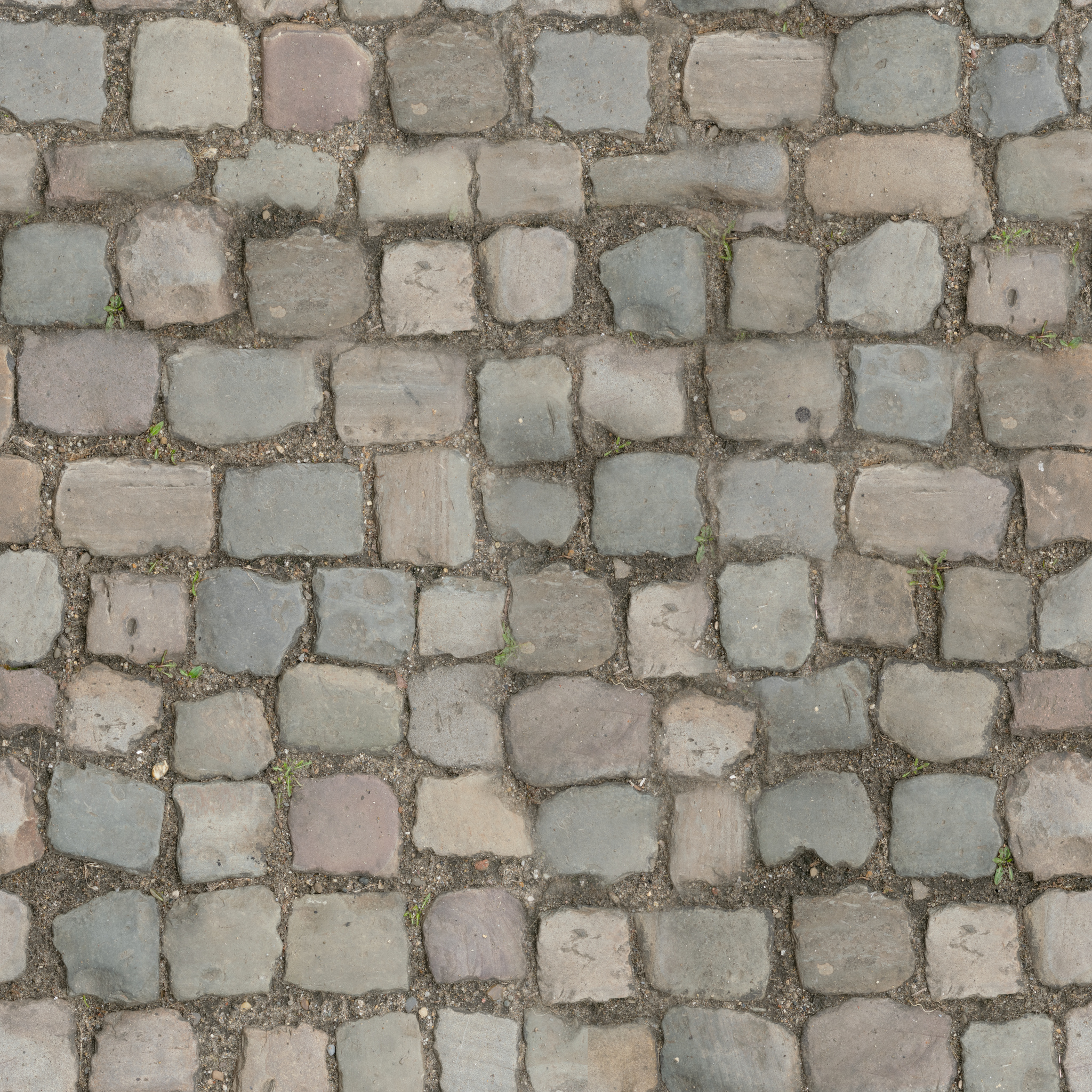
Cobblestone Floor 08
Add to wishlist
Quick View

cobblestone

Cobblestone Floor 08

$0
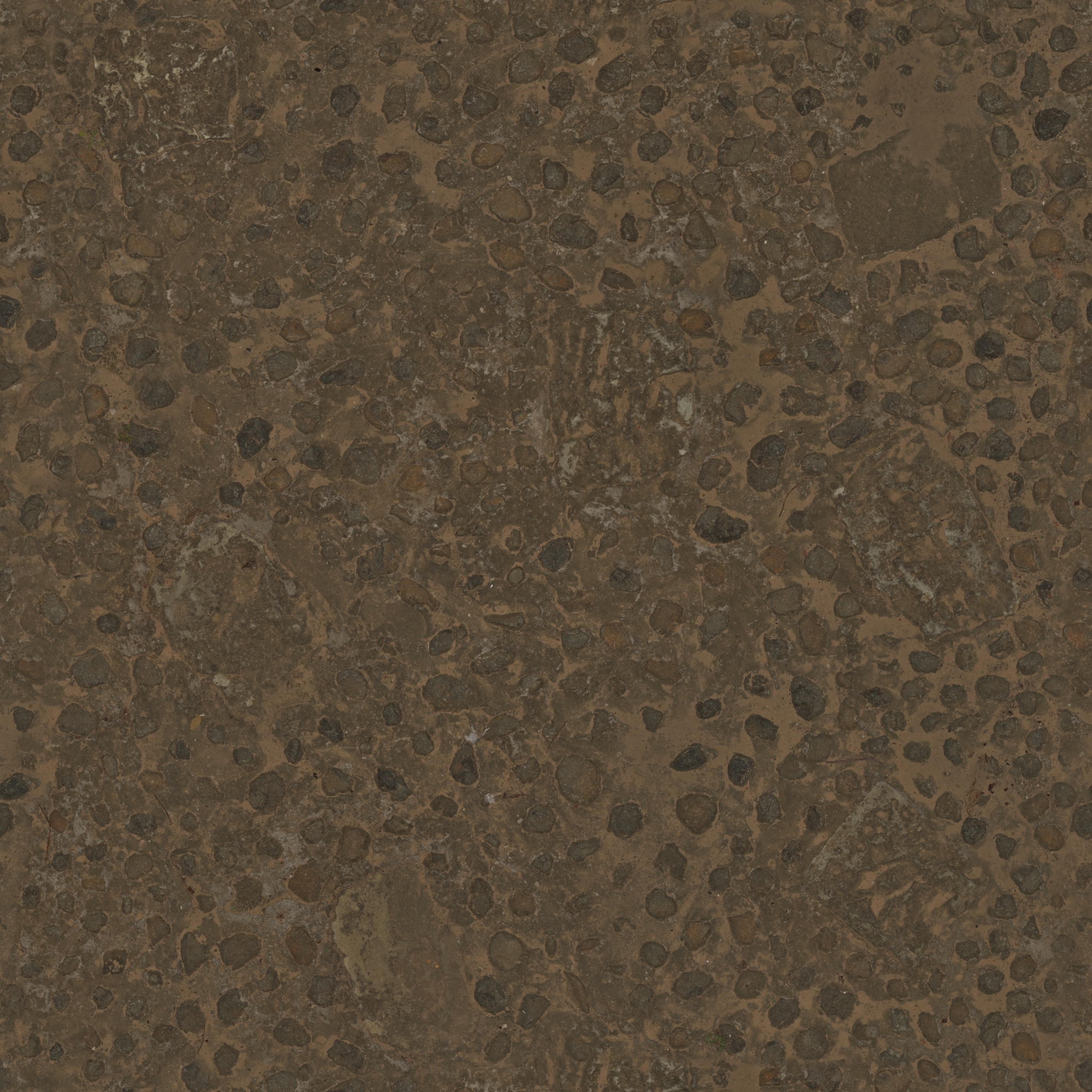
Embedded Rock Floor
Add to wishlist
Quick View

floor

Embedded Rock Floor

$0
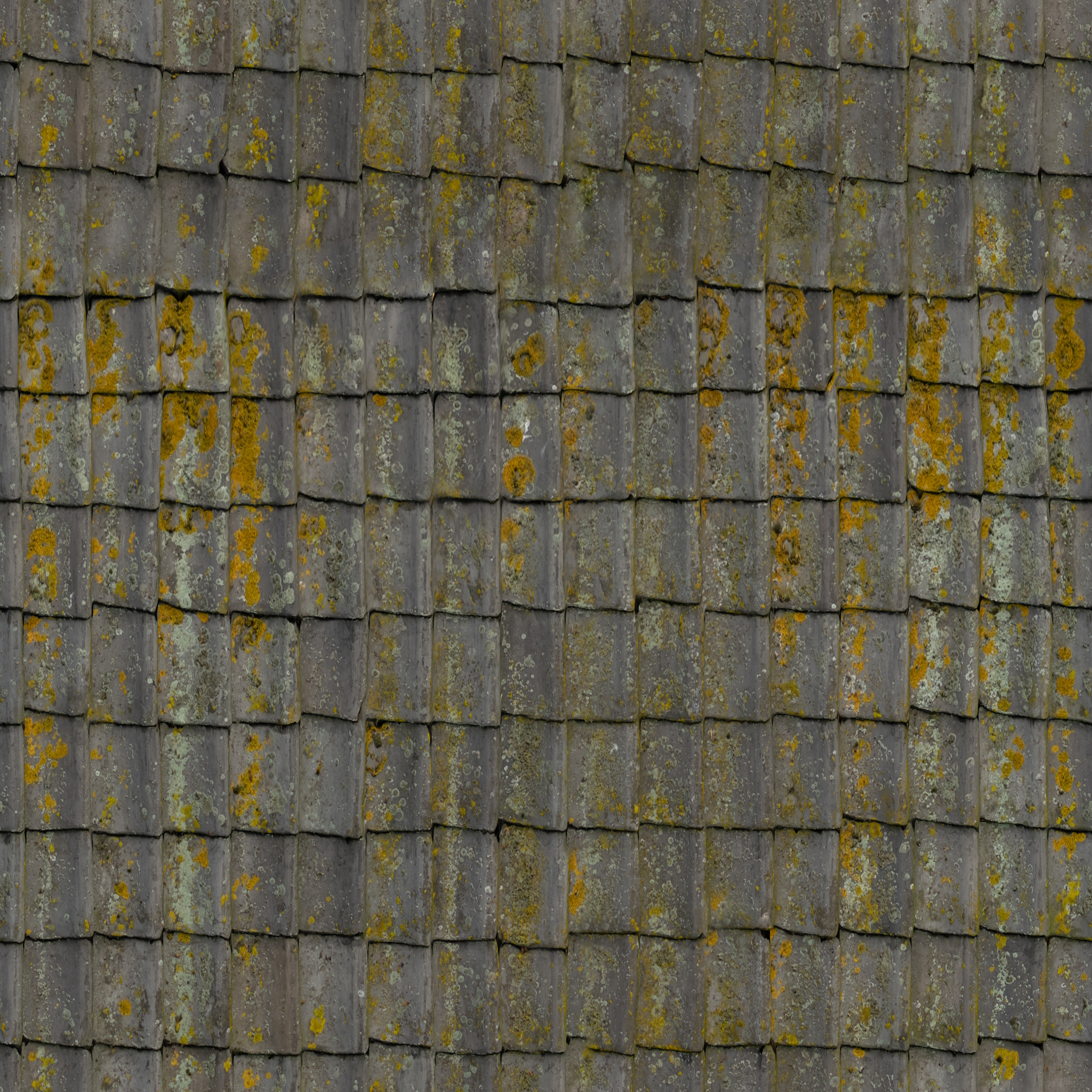
Grey Roof Tiles
Add to wishlist
Quick View

PBR

Grey Roof Tiles

$0
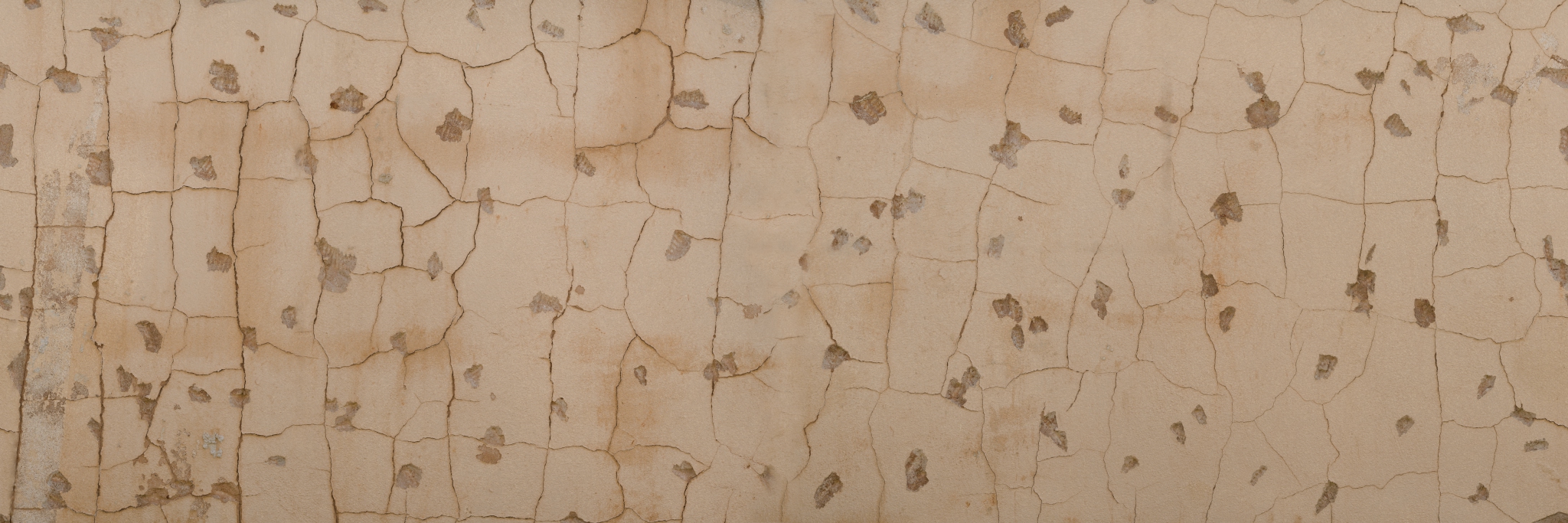
Beige Wall 002
Add to wishlist
Quick View

indoor

Beige Wall 002

$0
Cobblestone Floor 01
Add to wishlist
Quick View

cobblestone

Cobblestone Floor 01

$0
Withered Grass
Add to wishlist
Quick View

floor

Withered Grass

$0
About us

CGVista is a platform built to help creators work more efficiently with 3D models and digital assets. Whether you're a game developer, motion graphics artist, architectural visualization specialist, or working across advertising and other creative fields — our goal is to give you practical resources that make your workflow faster and more reliable.

Latest News
  • 06
    Apr
    The Complete PBR Texture Guide:Theory, Workflow & Real-World Use No Comments on The Complete PBR Texture Guide:Theory, Workflow & Real-World Use
  • 06
    Apr
    HDRI-Only Interiors:A Complete IBL Workflowfor Maximum Quality No Comments on HDRI-Only Interiors:A Complete IBL Workflowfor Maximum Quality
  • 06
    Apr
    Deep Dive into Blender 5.1 Principled BSDF: Layer-Based Analysis and Optimization Strategies for PBR Textures No Comments on Deep Dive into Blender 5.1 Principled BSDF: Layer-Based Analysis and Optimization Strategies for PBR Textures
  • 06
    Apr
    Maya HDRI Lighting Guide: Updated Production Workflow No Comments on Maya HDRI Lighting Guide: Updated Production Workflow
Tags
antique architecture backplates brick bricks brown chipped concrete damaged dirt dirty discolored dry exterior field forest garage grass gravel industrial lamp leaves metal moss nature old outdoor path road rock rocks rough shed stones sun tree uneven urban vintage wall weathered wood wooden workshop worn
Signup for Newsletter

Lorem ipsum dolor sit amet, consectetuer adipiscing elit, sed diam nonummy nibh euismod tincidunt ut laoreet.

(insert contact form here)
PayPal
Visa
MasterCard
Cash On Delivery
  • About
  • CG Journal
  • Contact
  • Privacy Policy
© CGVista.com 2026 copyrights
  • CG Journal
  • 3DModels
  • PBR
  • HDRI
  • MapSource
  • Sign Up
  • Join