
HDRI Lighting Masterclass
Advanced techniques for achieving photorealistic lighting with High Dynamic Range Images
HDRI Characteristics & Usage
32-bit Light Data (Bit Depth)
- Characteristics: Unlike regular images (8-bit), HDRI contains the full dynamic range between extremely bright areas (like the sun) and dark shadows in a single data file.
- Usage: Used as a source for IBL (Image Based Lighting) to determine the ambient light, shadow direction, and color temperature of the entire scene.
Always verify the file extension is .hdr or .exr. Using an 8-bit JPG as an environment map will cause metallic materials to lose their “shiny” quality and appear simply “gray.”
Reflection & Refraction
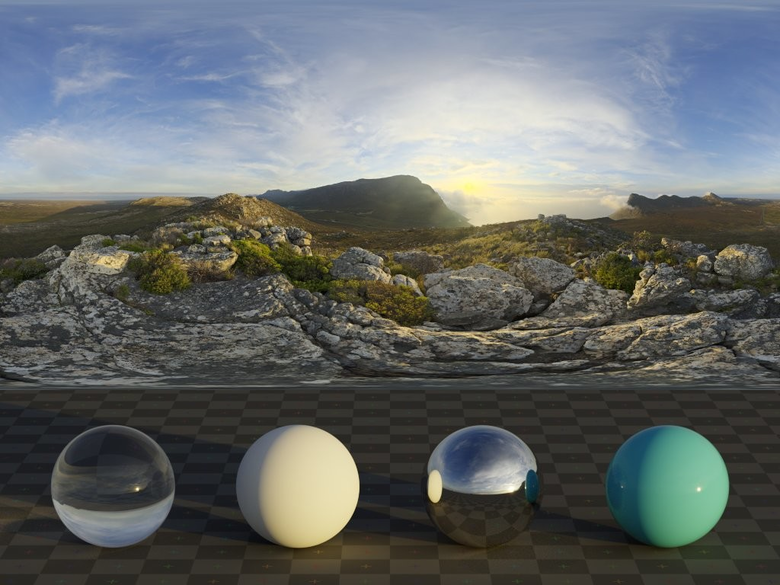
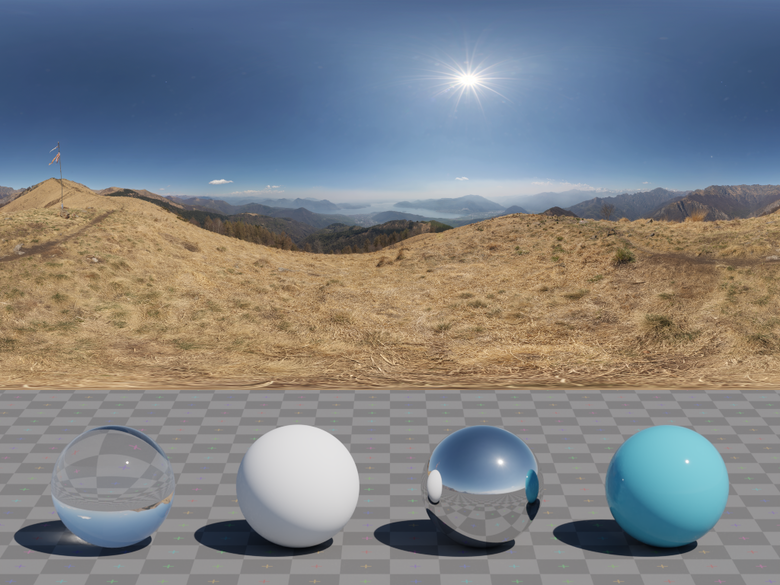
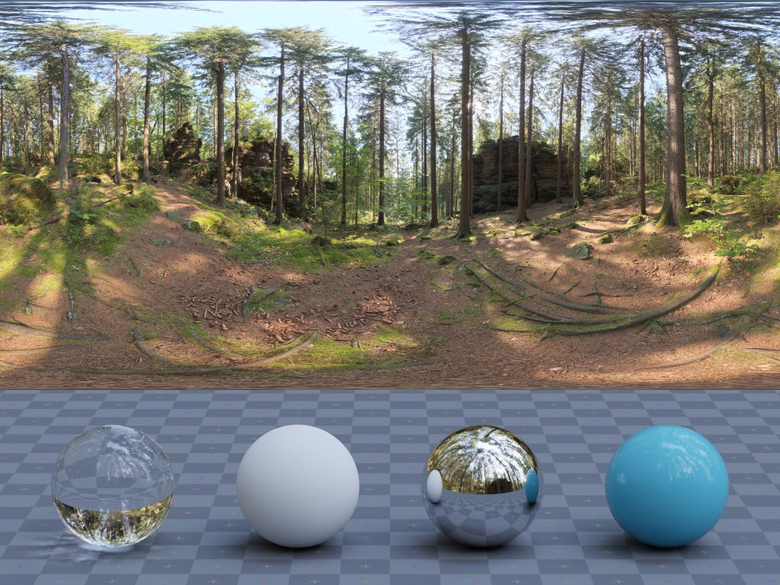
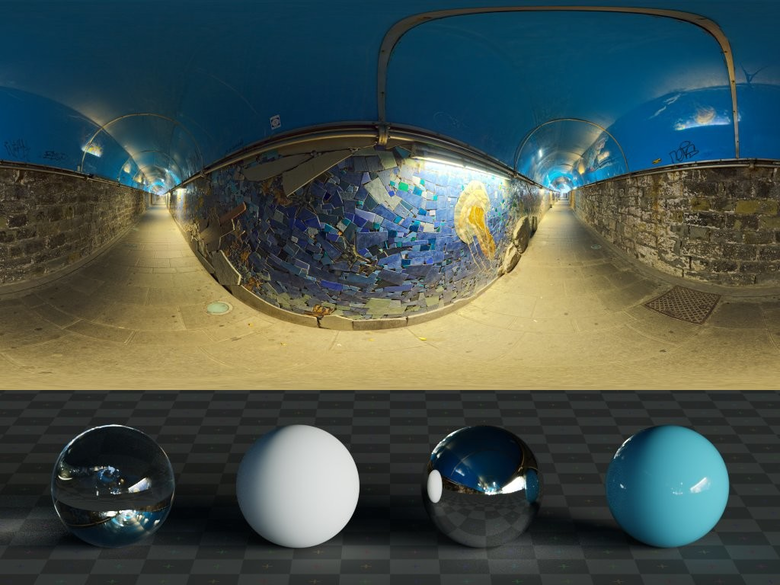
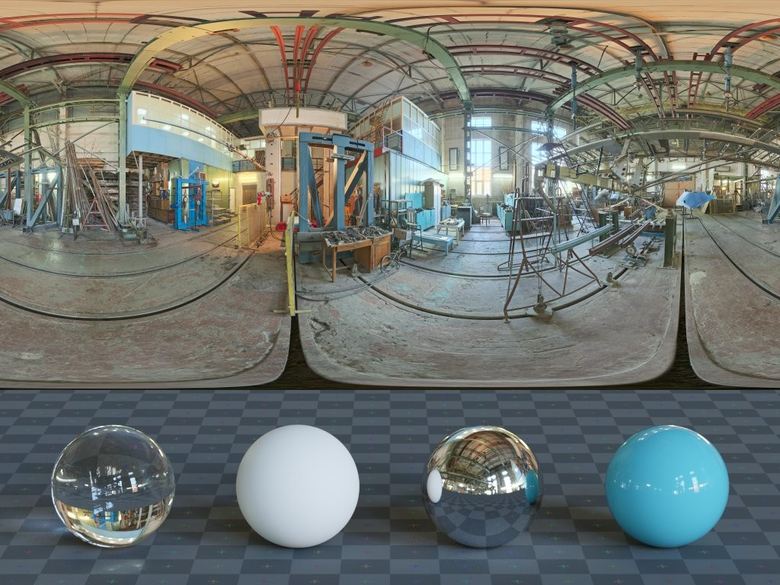
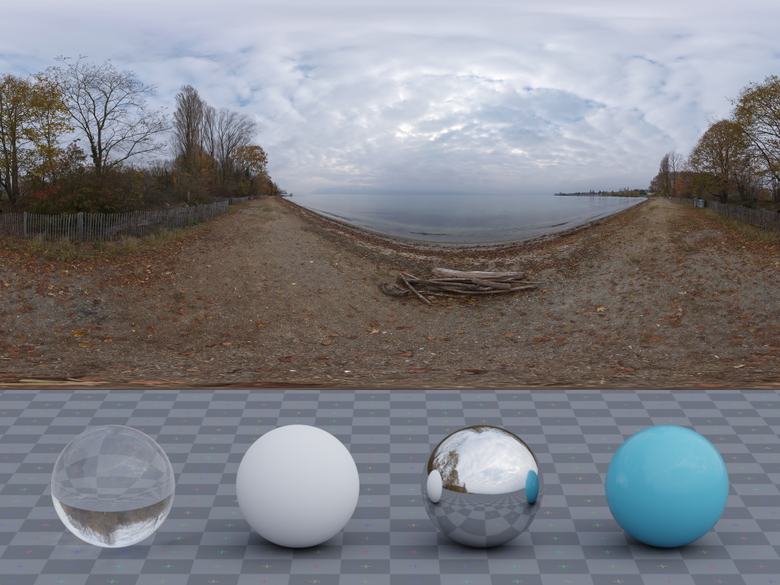
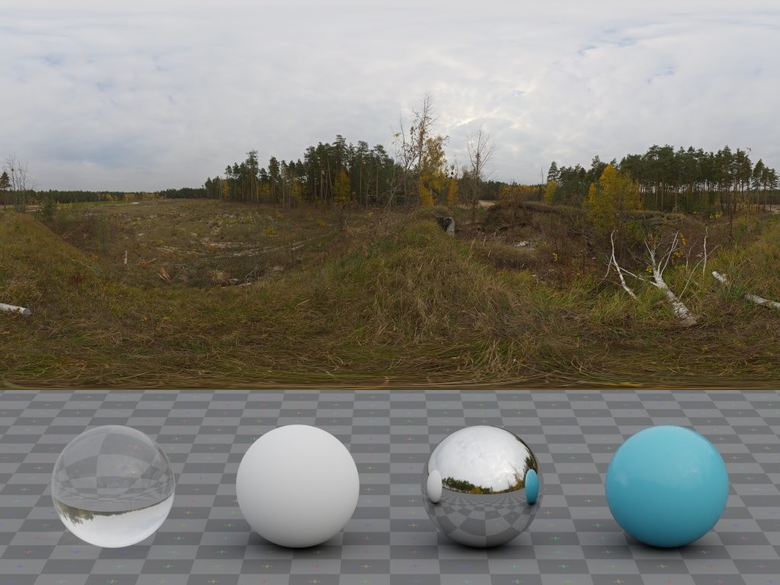
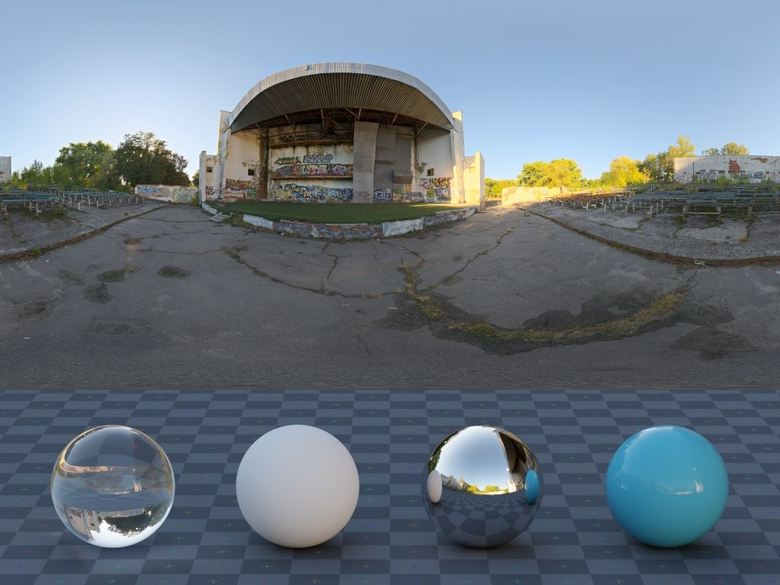
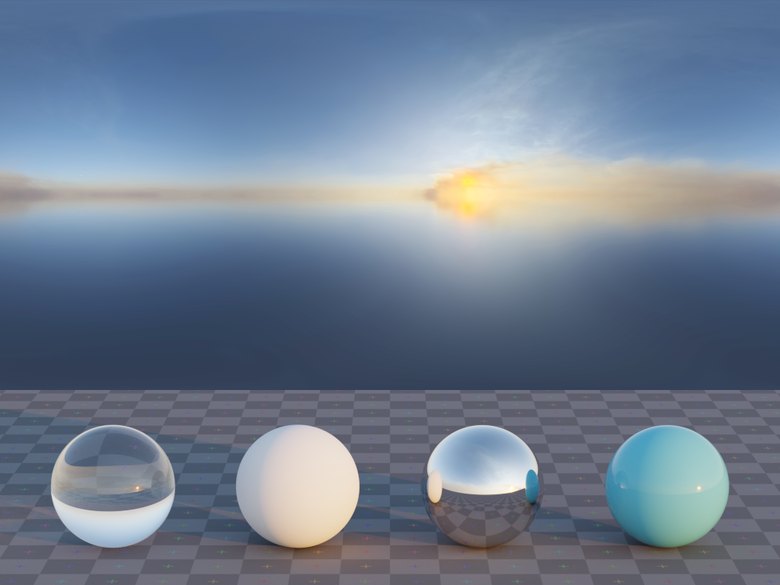
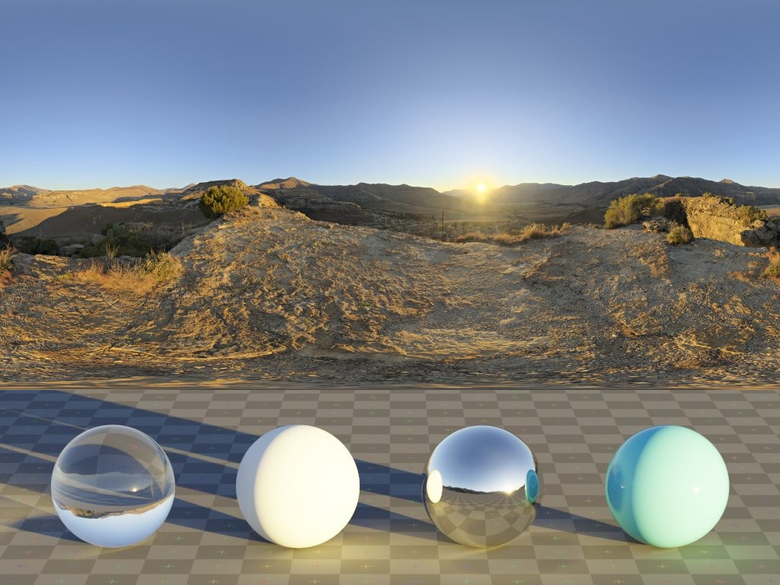
- Characteristics: Materials with high reflectivity like glass, metal, and plastic directly reflect their surrounding environment.
- Usage: No matter how excellent your modeling is, if the surrounding environment (HDRI) to be reflected is poor, objects will appear flat and fake.
Choose an environment that matches your scene’s context. Using an outdoor forest HDRI for an indoor product rendering will break the logic of reflected light and create visual dissonance.
Shadow Sharpness
- Characteristics: The size and intensity of the ‘brightest point’ (sun or light source) in the HDRI determines the shadow edge sharpness.
- Usage: Clear sky HDRs create sharp shadows, while overcast or indoor studio HDRs produce soft shadows.
Golden Rules for HDR Workflow
① Clamping Check (Sun Intensity Verification)
Most Important Principle: Poorly created HDRs have sun brightness clamped at a certain value.
If the sun turns gray instead of white when you decrease exposure, that HDR cannot produce physically accurate shadows. In this case, you must manually place a separate Sun Light.
② Resolution vs Memory (Resolution Optimization)
Principle: If you’re using the HDR for lighting only and not as a visible background, 2K~4K resolution is sufficient.
Excessively high resolution HDRs (16K+) unnecessarily increase memory loading time before rendering starts. Only use high resolution when reflections are critical to your scene.
③ Color Balance (Color Temperature Matching)
The HDR’s own color tone dominates the entire scene’s atmosphere.
Using a sunset HDR while setting your model’s lighting to cold blue breaks physical plausibility. It’s more efficient to set the HDR’s color temperature as baseline and match other lights accordingly.
Expert Tips for Advanced Users
“HDRI is the beginning of lighting, not the end.”
- Combining with Directional Light: Precisely align the sun position in your HDRI with the Directional Light position in your 3D program. Let the HDRI handle soft ambient light while the actual light reinforces sharp specular highlights and shadows to give your render “edge.”
- Utilizing Backplates: Use a high-resolution photo (Backplate) for the background, and separately use the HDR shot at the same location for lighting and reflections. This yields much sharper results.
- Importance of Rotation: Don’t just load the HDR and leave it. Adjust the Rotation value to find the angle where the most beautiful highlight catches on your object’s silhouette. A 5-degree difference can completely change the perceived weight of metal.
Reviews
There are no reviews yet.