
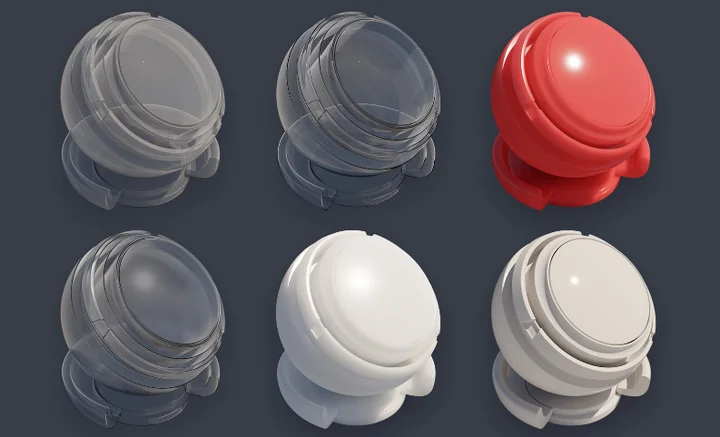
From Zero to Render: A Definitive Beginner’s Guide to Mastering Blender Cycles
Cycles is Blender’s physically-based path tracer engine, engineered for creating stunningly photorealistic renders. This comprehensive guide covers everything from basic engine setup to advanced texture baking, empowering you to produce professional-quality 3D visuals and animations.
Overview
Whether you are focusing on product visualization or architectural rendering, mastering Cycles is a pivotal step. It utilizes advanced light path tracing to simulate how light interacts with materials in the real world.
- Render Quality: Cycles uses samples and light bounces to match baked texture quality with the final rendered scene.
- Baking Workflow: Transfer shading and lighting info onto image textures using UV maps and designated nodes.
- Optimization: Use “Selected to Active” to bake high-poly details onto low-poly models for real-time efficiency.
- Flexibility: F-Curve modifiers allow for non-destructive, complex animation adjustments.
Practical Application
1. Engine and Scene Setup
Switch your Render Engine to Cycles in the Render Properties tab. Set your device to GPU Compute if available for faster performance. Arrange your mesh and light sources (Point, Sun, or Area) to define your scene’s mood.
2. Material and Render Settings
- Materials: Use the Principled BSDF node in the Shader Editor as your primary building block.
- Samples: A value between 128 and 512 is ideal for starting. Higher samples reduce noise but increase render time.
- Light Bounces: Adjust Max Bounces to balance realism and speed.
Baking is highly memory-intensive. Ensure your system has sufficient RAM and always save your work before starting the bake process to avoid data loss from crashes.
3. Advanced Baking & Modifiers
To optimize for games or real-time apps, use Selected to Active baking. This projects details from a high-poly sculpt onto a low-poly mesh. Additionally, use the Graph Editor and F-Curve modifiers like Noise or Cycles to add procedural movement to your animations.
Known Issues & Limitations
- Ray Distance: Incorrect settings in “Selected to Active” can cause visual artifacts.
- Bake Speed: Complex scenes and high sample counts can lead to very slow baking performance.
- UV Seams: Inconsistent unwrapping often leads to visible seams on Normal maps.
By mastering these Cycles fundamentals, you can bridge the gap between simple 3D models and breathtaking photorealistic art. Happy rendering!
